
Quankang | Professional Medical Power Supply Manufacturer
UES100LCP2-SPC Series
For medical equipment designed to receive power through USB-C. The UES100LCP2-SPC keeps the AC-DC power stage outside your device and plugs directly into the wall socket.

The output your device requests determines the power available. A device using the 15V profile has up to 45W available from this adapter. The highest listed profile is 20V at 5A, giving the full 100W output.
The rows below describe profiles of the same adapter. They are not separate fixed-voltage models or outputs available simultaneously.
| Model Number | Power(W) | Input Voltage Range(VAC) | Output Voltage(VDC) | Output Current(A) | Operating Temperature Range(°C) | Safety Standards |
| UES100LCP2-SPC | 15 | 80–264 | 5 | 0.01–3.00 | −10 to +40 | CB, UL, TÜV-SÜD/Mark, CE, FCC, CCC, PSE, RCM |
| UES100LCP2-SPC | 27 | 80–264 | 9 | 0.01–3.00 | −10 to +40 | CB, UL, TÜV-SÜD/Mark, CE, FCC, CCC, PSE, RCM |
| UES100LCP2-SPC | 36 | 80–264 | 12 | 0.01–3.00 | −10 to +40 | CB, UL, TÜV-SÜD/Mark, CE, FCC, CCC, PSE, RCM |
| UES100LCP2-SPC | 45 | 80–264 | 15 | 0.01–3.00 | −10 to +40 | CB, UL, TÜV-SÜD/Mark, CE, FCC, CCC, PSE, RCM |
| UES100LCP2-SPC | 100 | 80–264 | 20 | 0.01–5.00 | −10 to +40 | CB, UL, TÜV-SÜD/Mark, CE, FCC, CCC, PSE, RCM |
Marks shown are listed in the product catalog. Their medical and ITE scope is distinguished in the Safety Approvals section.
The adapter body measures 97.0 × 34.0 × 57.0mm and weighs 280g ±10g. Check the space around the intended outlet, particularly on a power strip or beside another adapter. Allow for the fitted plug head as well as the body.
For your equipment kit, specify the regional plug heads required. The catalog shows US/JP, EU, UK, AU and CN options. The drawings below show the housing dimensions and interchangeable plug arrangement.
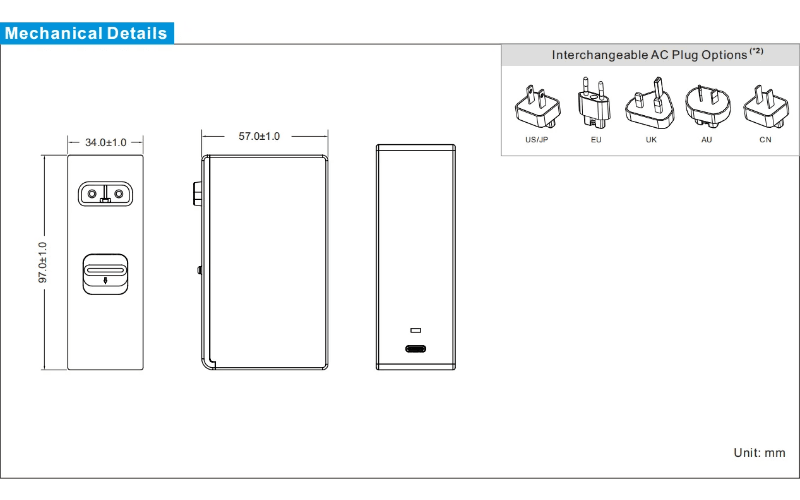
You can use this adapter on nominal 100V, 120V, 230V or 240V mains, within its specified 80–264VAC input range. There is no need to choose a different electrical input version for each of those voltages.
If several units will share a switched power strip, include that arrangement in your testing. The current drawn when switching on is different from the current during normal use: the catalog lists a cold-start inrush of 100A maximum at 240VAC.
| Input Characteristic | Specification |
| Input Voltage Range | 80–264VAC |
| Frequency Range | 47–63Hz |
| Input Current | 1.8A at 80VAC |
| Inrush Current | 100A max at 240VAC, cold start |
| Standby Power | ≤0.15W |
Where do you plan to use the adapter? On an open wall socket, heat can escape around the housing. Inside a cabinet or behind other equipment, the surrounding air may be warmer.
The operating range is −10°C to +40°C. If your installation will be close to either limit, let us know the location and expected load. Please use the operating figures for equipment in service; the storage figures describe a different condition.
| Characteristic | Specification |
| Operating Temperature | −10°C to +40°C |
| Storage Temperature | −40°C to +80°C |
| Operating Humidity | 10–90% RH, non-condensing |
| Storage Humidity | 5–90% RH |
| Operating Altitude | Up to 5,000m |
| Enclosure Rating | IP42 |
| Construction | Class II |
| Energy Efficiency | Level VI |
| MTBF | >100,000 hours, Telcordia SR-332 at 25°C |
For this model, the MTBF calculation uses Telcordia SR-332 at 25°C. If your project needs a stated service life or warranty period, please ask us separately—the MTBF number does not specify either.
If you’re checking an unexpected shutdown, does the output return by itself, or do you have to disconnect and reconnect the AC input? Please mention that when contacting us. It helps us review what happened against the protection functions below.
| Protection Function | Specification |
| Overload | 105–140% of rated output power; automatic recovery |
| Overvoltage | 110–130% of rated output voltage; input reset required |
| Short Circuit | Trip and restart, hiccup mode |
If the adapter keeps restarting with your equipment attached, we’ll need to find out what is happening at the load. Repeated restarting should not be treated as normal operation, even if the equipment briefly turns on each time.
Which certificates does your customer need? You can send us the approval list from the project, including the countries where the equipment will be sold.
We’ll check it against the documents for UES100LCP2-SPC. There are separate medical and ITE entries in the catalog, so we need to match the actual requirement rather than just confirm that a logo appears on the page.
IEC 60601-1
View CertificateFCC EMC
View CertificateCE-EMC
View CertificateJapan PSE
View CertificateAU / NZ
View CertificateAU Safety
View CertificateUL 60601-1
View CertificateHave you already tested the adapter with your device? If you have a report, send us the relevant results and a photo of the setup. Please show the USB-C cable used in the test too.
If testing hasn’t started, we can first check which adapter reports are available for your project. The finished equipment will still need to be assessed with its intended connections and operating modes.
| Item | Medical | ITE |
| Conducted Emissions | IEC/EN 60601-1-2; CISPR 11 | EN 55032; CISPR 32 |
| Radiated Emissions | IEC/EN 60601-1-2; CISPR 11 | EN 55032; CISPR 32 |
| Harmonic Currents | EN 61000-3-2, Class A | EN 61000-3-2, Class A |
| Voltage Flicker | EN 61000-3-3 | EN 61000-3-3 |
| Immunity | IEC/EN 60601-1-2 | EN 55035; CISPR 35 |
Working on a portable ultrasound unit, a chairside scanner or a medical display? These are some of the projects we would review for the UES100LCP2-SPC, along with prosthesis charging docks. The application names below refer to designs that accept USB-C PD power.


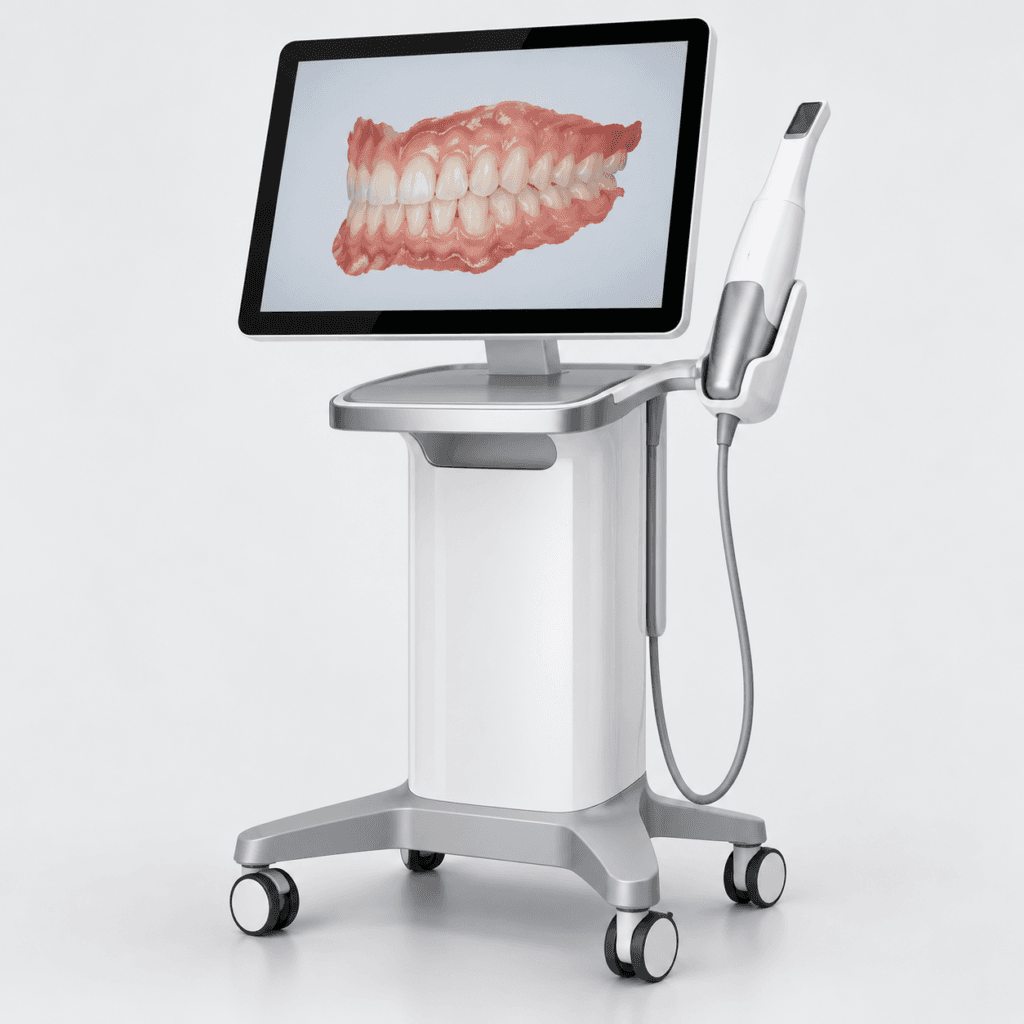
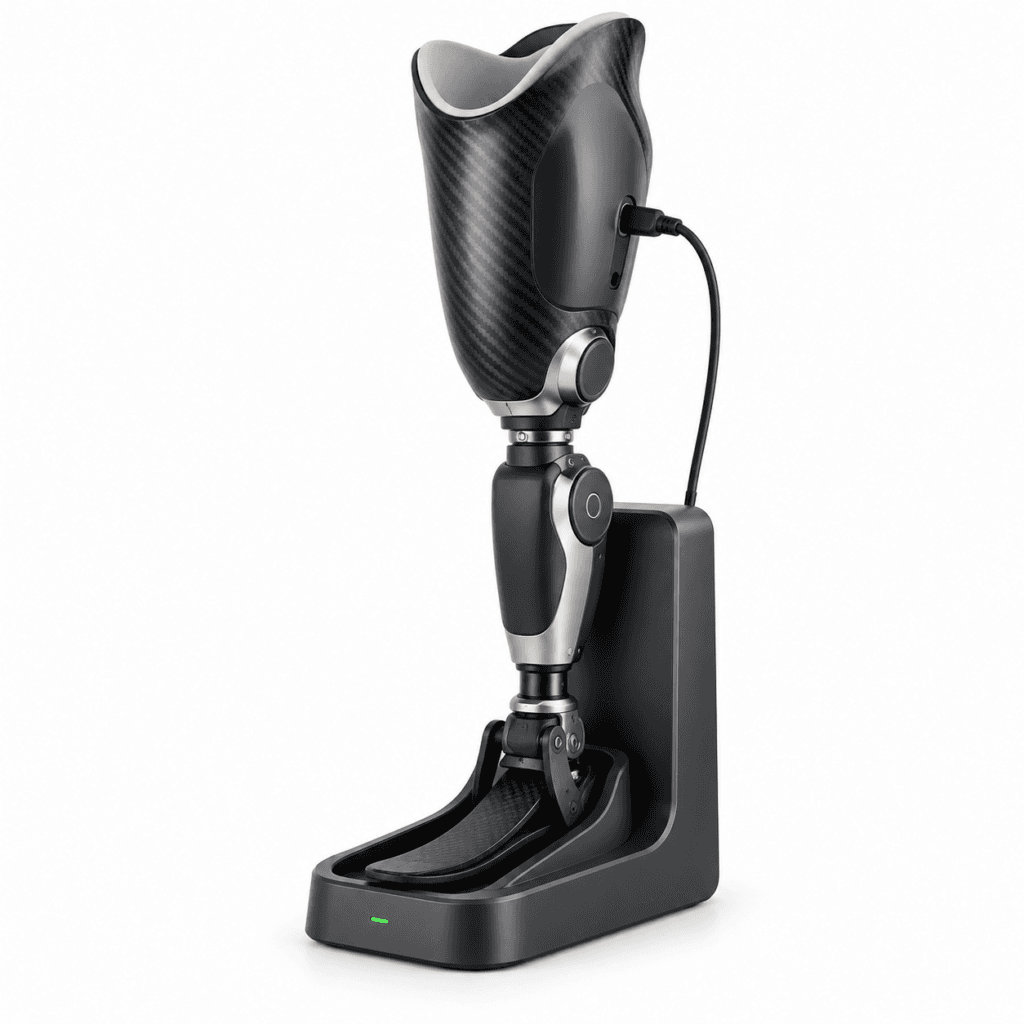
What does your equipment need at its power input? If you already have an adapter, a photo of its label is a good place to start. We’ll also need to know which certifications your project requires.
With this model, there’s one more question: does the equipment accept USB-C PD power? Some devices have a USB-C connector but use it only for basic charging or data. That detail can change the recommendation completely.
Possibly, yes. That is one reason to consider a PD adapter when developing a product range. Each device requests its own supported supply voltage, so you don’t necessarily need a different adapter for every product.
We would still review the products individually. For example, a device needing 60W at 12V would be outside this model’s rating, even though the adapter is described as 100W. Its 12V output is limited to 36W.
The rating is a starting point. We’d also want to try the intended length with your equipment, particularly if you’re working close to the adapter’s maximum output.
For full 100W operation, use an electronically marked 5A cable. A cable limited to 3A cannot carry the full output. Choose the cable during sample testing and keep that specification for production; otherwise, you may end up investigating a power problem caused by a later cable substitution.
Your equipment’s input voltage and current come first. Do you have a specification, or a label from the adapter you’re using now?
We’d also ask which medical certifications you need. If your lab has named a particular standard, give us that reference. For the UES100LCP2-SPC, we need to know whether your equipment supports USB-C PD as well.
Take the time your project needs. Run it with your medical equipment over your planned test period, including the longest operating sessions you expect in use.
Does anything change after it has been running for a while? Look for restarts, interrupted charging, unusual heat or a change in the equipment’s performance. Include repeated starts and stops too. We want to find any mismatch that could put stress on the adapter or your equipment before you move to a batch order.
If something happens, keep the sample and your test notes. When it started, what was connected and whether it happens again will help with the investigation.
Start with the quantity, output voltage and current. Then tell us what you need on the connection side: which AC plug, how long a cable, and what connector goes into your equipment. A connector photo or drawing is useful if you don’t have its part number.
Do you want your logo on the adapter, or a different housing color? Include that in the enquiry, along with your medical certification requirements. We’ll check which requests can be accommodated on the UES100LCP2-SPC and base the quotation on those details.
Need a different power rating or adapter format? Browse the medical power supplies below and compare their output, connections and dimensions with your equipment requirements.
Still working through the power supply requirements for your medical device? These articles explain where USB-C fits, what 2 MOPP means and which safety requirements to discuss with your certification team.

You’ll find “2 MOPP” in the UES100LCP2-SPC specifications. What does it refer to? Read about means of patient protection and the role of insulation in medical power supply selection.

Preparing the power supply specification for your project? This overview introduces IEC 60601-1, equipment classifications, insulation and leakage current—useful background before reviewing the required approval documents with your supplier and test lab.
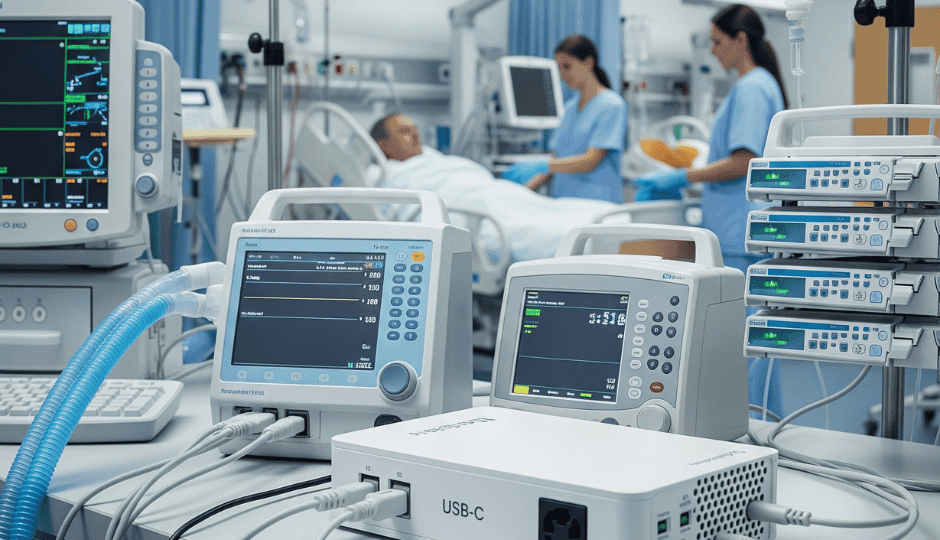
Considering USB-C for your next medical device? This article introduces its use in medical equipment, including the connection format, power delivery and safety considerations involved in choosing an external supply.
Our engineering team provides comprehensive support for this power supply series. Whether you need standard models, custom DC output specifications, or specific medical compliance assistance, we ensure your requirements are met with precision and speed.
✔ 2 MOPP & IEC 60601-1 Certification Support
✔ Custom DC Connectors & Cable Options
✔ Free Engineering Samples for Evaluation
✔ Detailed Technical Response within 24h


