
- Home
- Medical Power Supply
- UES100B-SPCZ UES100C-SPCZ | 5V-20V 100W Medical Desktop Power Adapter
UES100B-SPCZ/UES100C-SPCZ | 5V–20V 100W Medical Desktop Power Adapter
UES100B-SPCZ/UES100C-SPCZ
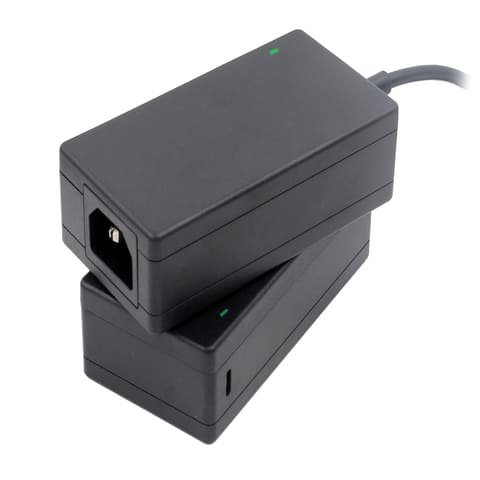
A desktop medical power adapter with a USB-C output port, allowing the output cable to be selected separately for your equipment.
- GaN design for compact desktop placement
- USB-C port with a detachable output cable
- USB PD 3.0 and PPS support
- Medical isolation with low touch leakage current
- AC inlet options for Class I and Class II configurations
- Low standby consumption for mains-connected equipment
Models & Ratings
These are the supported output profiles of the same adapter. Your equipment requests the profile it needs through USB-C PD; the 100W rating applies to the 20V output.
| Model Number | Power(W) | Input Voltage Range(VAC) | Output Voltage(VDC) | Output Current(A) | Operating Temperature Range(°C) | Safety Standards |
| UES100B-SPCZ /UES100C-SPCZ | 15 | 80–264 | 5 | 0.01–3.00 | −10 to +40 | CB,UL,TUV-SUD |
| UES100B-SPCZ /UES100C-SPCZ | 27 | 80–264 | 9 | 0.01–3.00 | −10 to +40 | CB,UL,TUV-SUD |
| UES100B-SPCZ /UES100C-SPCZ | 36 | 80–264 | 12 | 0.01–3.00 | −10 to +40 | CB,UL,TUV-SUD |
| UES100B-SPCZ /UES100C-SPCZ | 45 | 80–264 | 15 | 0.01–3.00 | −10 to +40 | CB,UL,TUV-SUD |
| UES100B-SPCZ /UES100C-SPCZ | 100 | 80–264 | 20 | 0.01–5.00 | −10 to +40 | CB,UL,TUV-SUD |
Mechanical Details
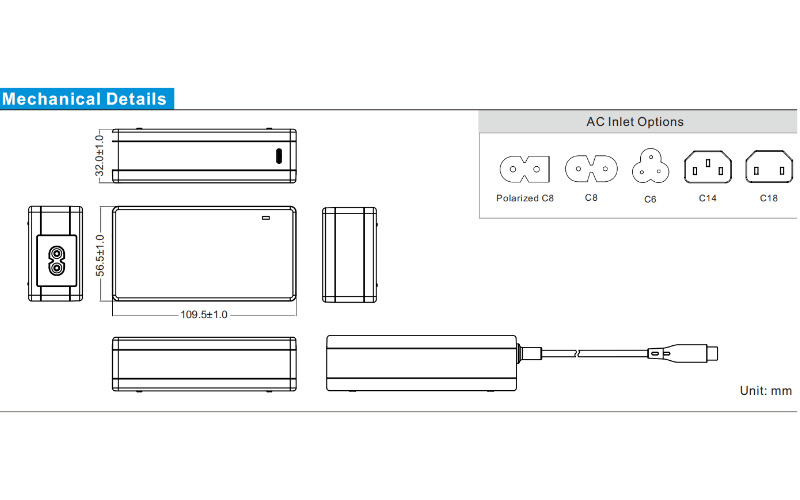
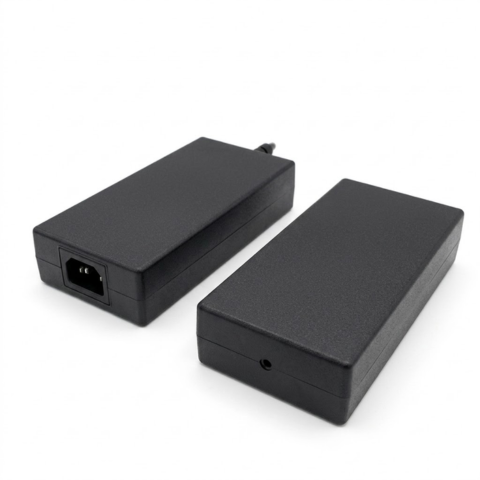
The housing measures 109.5 × 56.5 × 32mm. Allow additional room for the AC connector and USB-C cable when planning its position on a desk, trolley or equipment shelf.
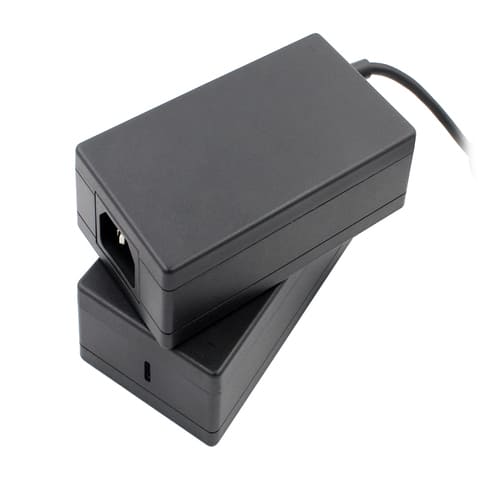
The UES100B-SPCZ has a USB-C output port. The fixed output lead shown alongside it in the catalog belongs to the UES100C-SPCZ. Use the port version’s drawing when checking the equipment package and cable arrangement.
Input Specifications
The adapter accepts 80–264VAC at 47–63Hz. Choose the AC inlet and matching power cord as part of the order configuration, including the connection required for the intended installation class.
| Input Characteristic | Specification |
| Input voltage range | 80–264VAC |
| Frequency range | 47–63Hz |
| Input current | 1.5A maximum at 80VAC |
| Standby power | ≤0.15W |
Environmental & General
The operating range is −10°C to +40°C. Check the temperature where the adapter will actually sit, especially behind equipment or on a crowded trolley. Keep that location in your sample evaluation rather than testing only on an open bench.
| Characteristic | Specification |
| Operating temperature | −10°C to +40°C |
| Storage temperature | −40°C to +80°C |
| Operating humidity | 10–90% RH, non-condensing |
| Storage humidity | 5–90% RH |
| Operating altitude | Up to 5,000m |
| Enclosure rating | IP42, as listed in the catalog |
| Weight | 300g ±10g |
| Energy efficiency | Level VI |
| Average efficiency — 5V | 82.00% |
| Average efficiency — 9V | 86.80% |
| Average efficiency — 12V | 87.50% |
| Average efficiency — 15V | 88.00% |
| Average efficiency — 20V | 89.00% |
| MTBF | >100,000 hours, Telcordia SR-332 at 25°C |
Protection
| Protection Function | Specification | Recovery |
| Overload | 105–140% of rated output power | Automatic recovery |
| Overvoltage | 110–130% of rated output voltage | Input power reset required |
| Short circuit | Trip and restart, hiccup mode | Repeated restart attempts while the fault remains |
Safety Approvals
60601-1
View CertificateIEC60601-1
View CertificateEN60601-1
View CertificateEMC
| Item | Medical Specification |
| Conducted emissions | IEC/EN 60601-1-2, CISPR 11 |
| Radiated emissions | IEC/EN 60601-1-2, CISPR 11 |
| Harmonic currents | EN 61000-3-2, Class A |
| Voltage flicker | EN 61000-3-3 |
| Immunity | IEC/EN 60601-1-2 |
| Immunity Test | Standard | Catalog Test Level |
| ESD | IEC 61000-4-2 | ±15kV air, ±8kV contact |
| Radiated immunity | IEC 61000-4-3 | 3V/m; 80MHz–2.7GHz |
| EFT/Burst | IEC 61000-4-4 | ±2kV AC port, ±1kV signal ports |
| Surge | IEC 61000-4-5 | ±1kV line-to-neutral; ±1kV line/neutral-to-ground |
| Conducted immunity | IEC 61000-4-6 | 3Vrms, 6Vrms; 0.15–80MHz |
| Magnetic field | IEC 61000-4-8 | 30A/m |
| Dips and interruptions | IEC 61000-4-11 | 0%, 70%, 0% of UT |
Refer to the applicable report for durations, operating conditions and configuration.
Common Applications
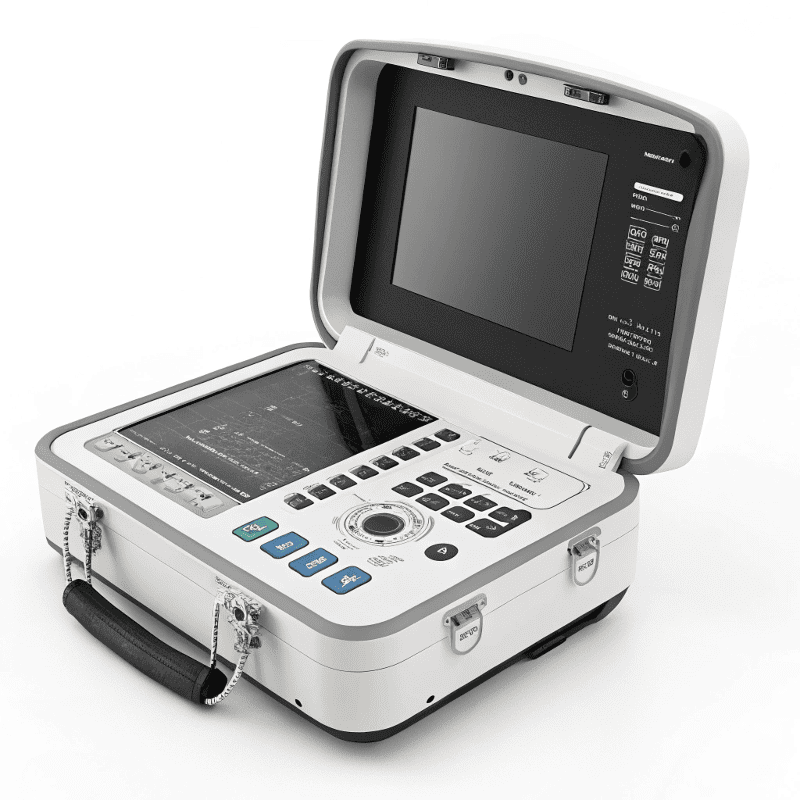
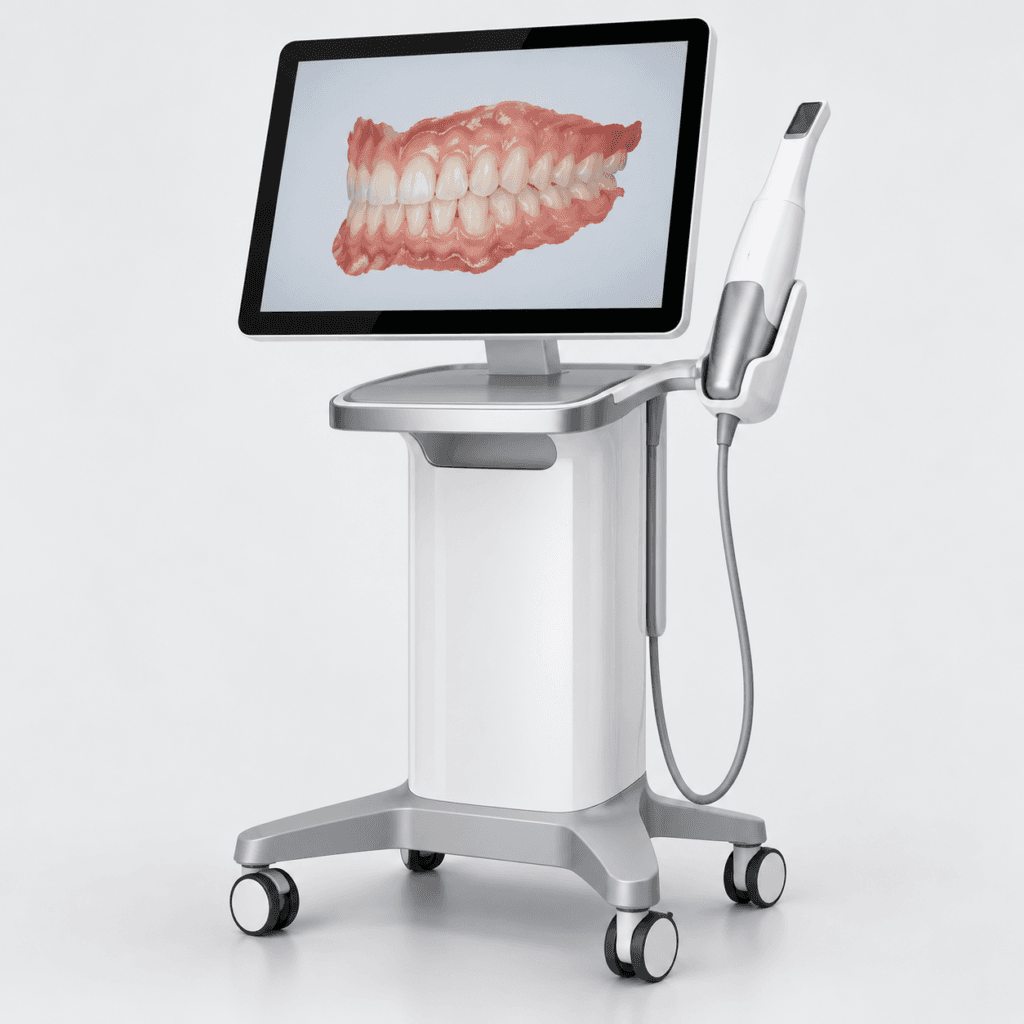
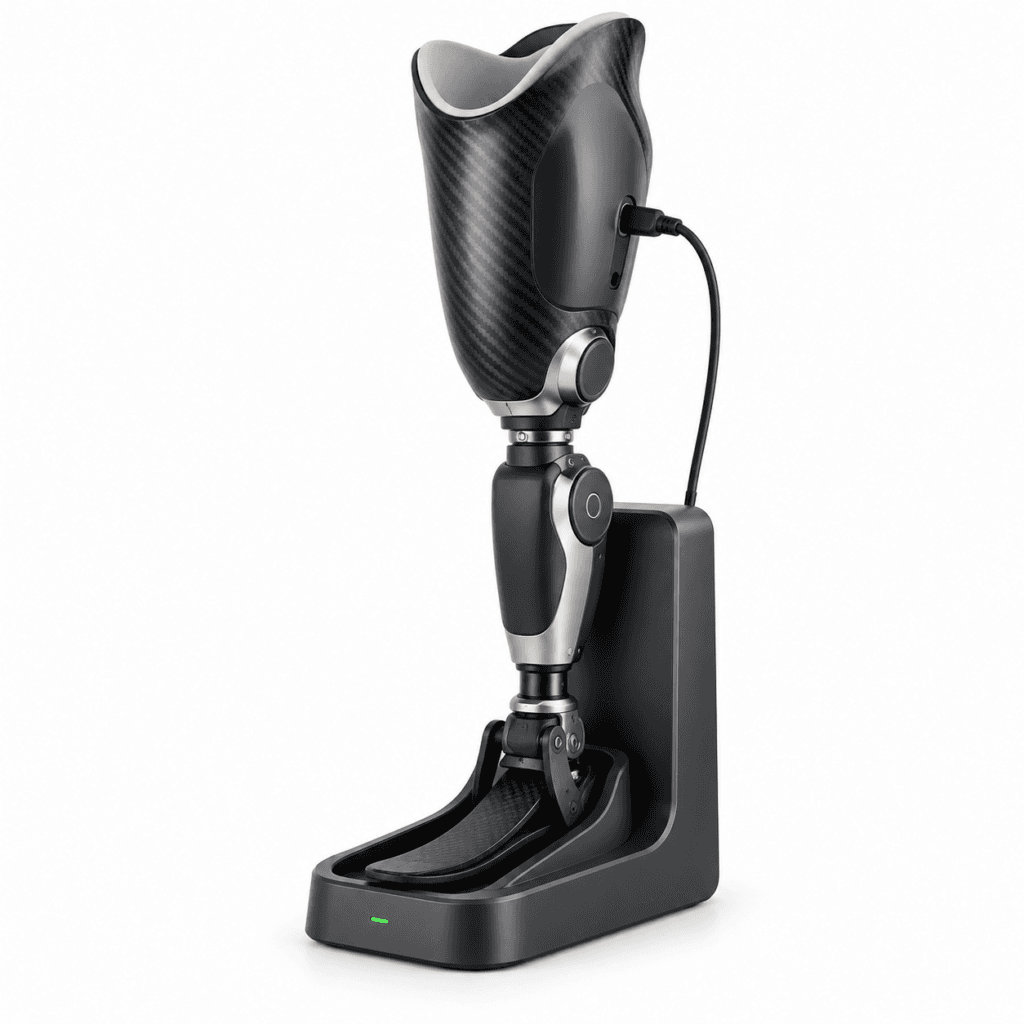
The UES100B-SPCZ/UES100C-SPCZ can be evaluated for the equipment below when its power input supports a compatible USB-C PD profile. For an existing device, confirm the input arrangement before replacing its original adapter.

Frequently Asked Questions
Why choose the B version rather than the C version?
Choose B if you want to buy or replace the USB-C cable separately. Choose C if you want the output lead fixed to the adapter.
The B version gives you a separate cable to specify and stock. Include it in the sample order if it will be supplied with your equipment.
Our device needs 60W at 15V. Can we use this 100W model?
No. For this requirement, we’d quote a different supply.
The UES100B-SPCZ delivers up to 45W at 15V. Its 100W output is at 20V, so it cannot supply 60W to a device that requires 15V.
Can we use it for a home healthcare product?
The catalog lists IEC 60601-1-11 and EN 60601-1-11 among its medical safety standards. That makes it a model to review for the project, rather than select from the general IEC 60601-1 listing alone.
Your certification team will need the documents covering the version you order. Settle the AC inlet configuration at the same time.
We already have C14 mains cords. Must we change them?
A C14 inlet is available on this series, with Z replaced by 3. That configuration is listed as Class I.
Specify C14 when ordering. We still need to confirm that your existing cords are correctly rated and approved for the sales market, but you don’t need to choose another inlet simply because you’re changing adapters.
Can the same adapter be supplied with different cable lengths?
Include the lengths you need in the enquiry. Cable availability and suitability need confirming for this port version.
For a device taking the full 100W, specify an electronically marked 5A cable. Test the actual length you intend to ship. Once approved, keep that cable specification on the production order and the replacement-parts list; “USB-C cable” alone leaves too much open.
Related Models


Related Resources
Choosing the adapter is one part of the equipment’s power design. These articles provide background on medical USB-C power, patient-protection isolation and the safety requirements to discuss with your certification team.
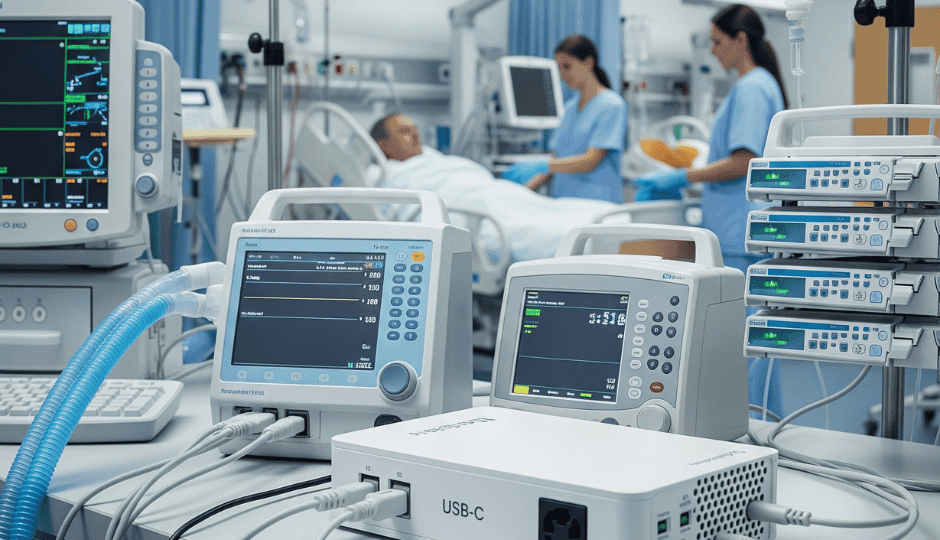
Medical grade USB-C power supply
An introduction to USB-C power in medical equipment, covering connection format, power delivery and medical-use considerations. Useful background when deciding whether your next device should accept power through USB-C.
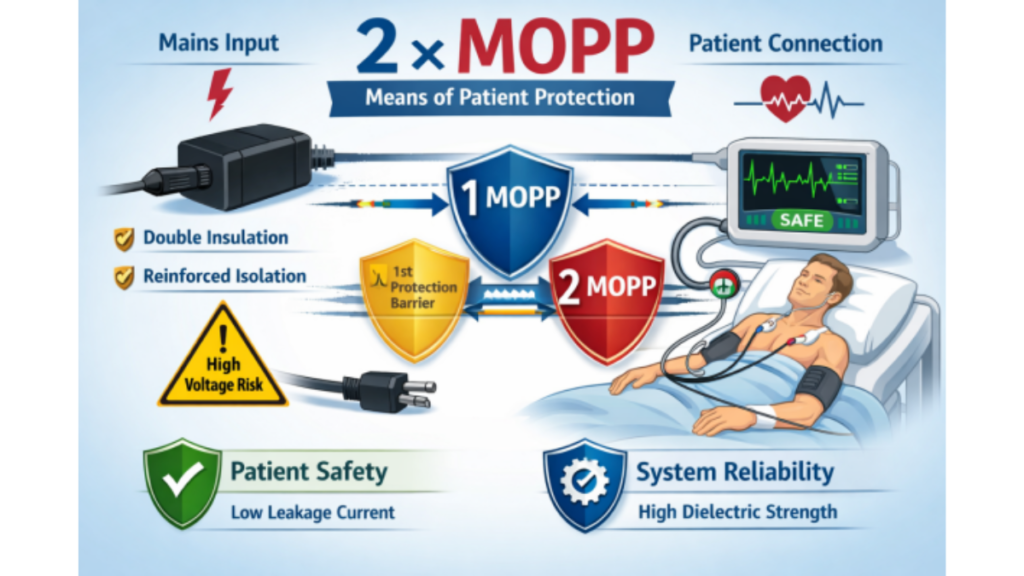
What does 2 x MOPP mean for a medical power supply?
The UES100B-SPCZ lists 2 MOPP input-to-output isolation. This article introduces the term and its role in patient protection, giving you context for reviewing the isolation requirements in your project.
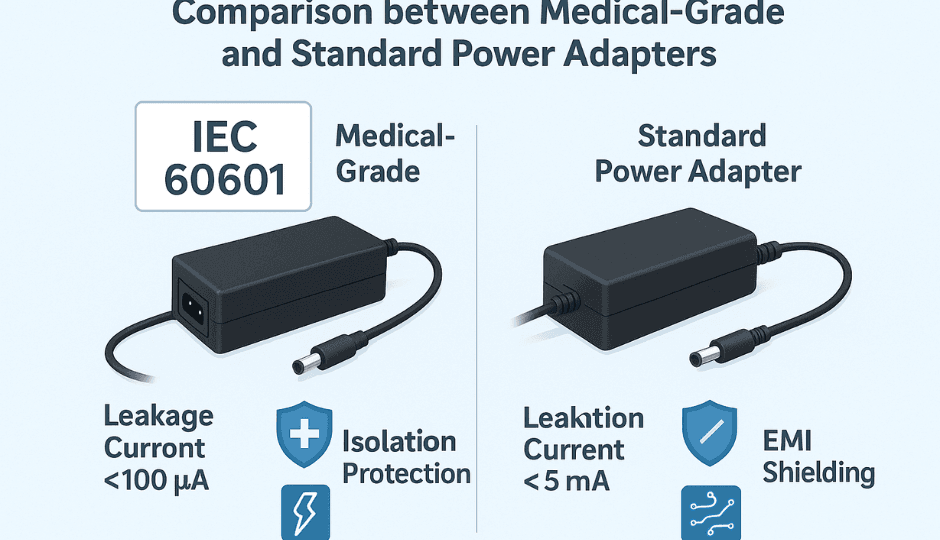
IEC 60601-1 Safety Standards Explained for Power Supply
Preparing the power supply requirements for a medical device? Read this overview of IEC 60601-1, equipment classifications, insulation and leakage current before reviewing the approval documents with your supplier and test lab.
Request Technical Support & Pricing
Our engineering team provides comprehensive support for this power supply series. Whether you need standard models, custom DC output specifications, or specific medical compliance assistance, we ensure your requirements are met with precision and speed.
✔ 2 MOPP & IEC 60601-1 Certification Support
✔ Custom DC Connectors & Cable Options
✔ Free Engineering Samples for Evaluation
✔ Detailed Technical Response within 24h