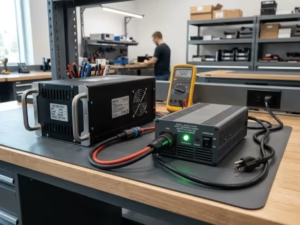
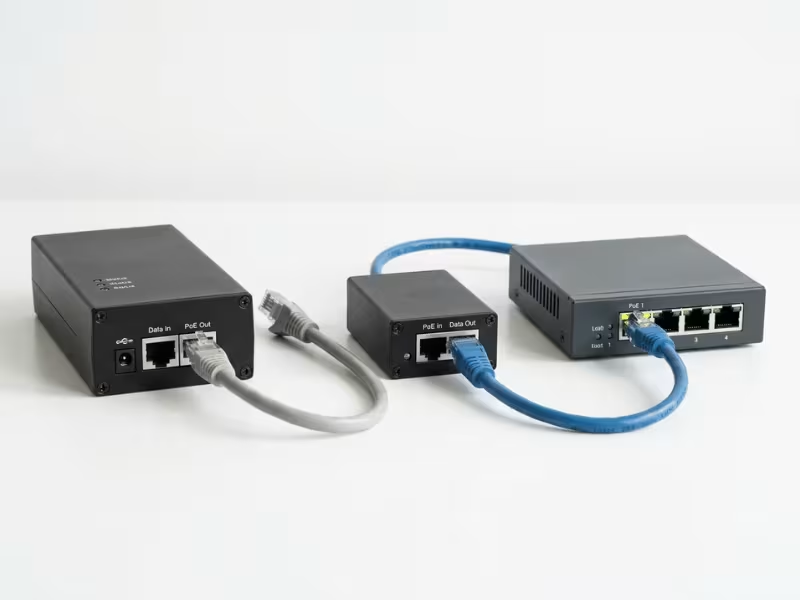
The biggest difference between 802.3af and 802.3at is power. An 802.3af port sources up to 15.4 W and delivers roughly 12.95 W to the connected device after cable loss. An 802.3at port sources up to 30 W and delivers about 25.5 W. That gap decides whether your PTZ camera boots, whether your dual-band access point runs at full throughput, and whether a deployment survives commissioning without emergency rework.
Choosing the right standard is a specification task, not a formality. Pick the wrong one and you either overpay per port or watch devices reset under load in the field. This article compares the two standards on power, compatibility, device support, and deployment, then gives you a workflow to specify correctly. As a manufacturer of PoE-capable power supplies and adapters, Quankang sees these sizing decisions play out across camera, access-point, and IoT rollouts.
The Short Answer: Power, Compatibility, and When Each Fits
Four numbers carry most of the decision:
- 802.3af (PoE): ~15.4 W at the source (PSE), ~12.95 W at the device (PD)
- 802.3at (PoE+): ~30 W at the source, ~25.5 W at the device
Use 802.3af when your powered device draws comfortably under ~12.95 W. Move to 802.3at when the device needs more than that, when long cable runs eat into your budget, or when you want headroom for future upgrades.
One compatibility caveat matters up front: 802.3at is backward compatible with 802.3af devices, but the reverse is not true. An 802.3af source cannot deliver full 802.3at power, so an 802.3at-only device on an 802.3af port may under-power, reset, or fail to boot. Keep that asymmetry in mind through the rest of this guide.
What 802.3af (PoE) Is
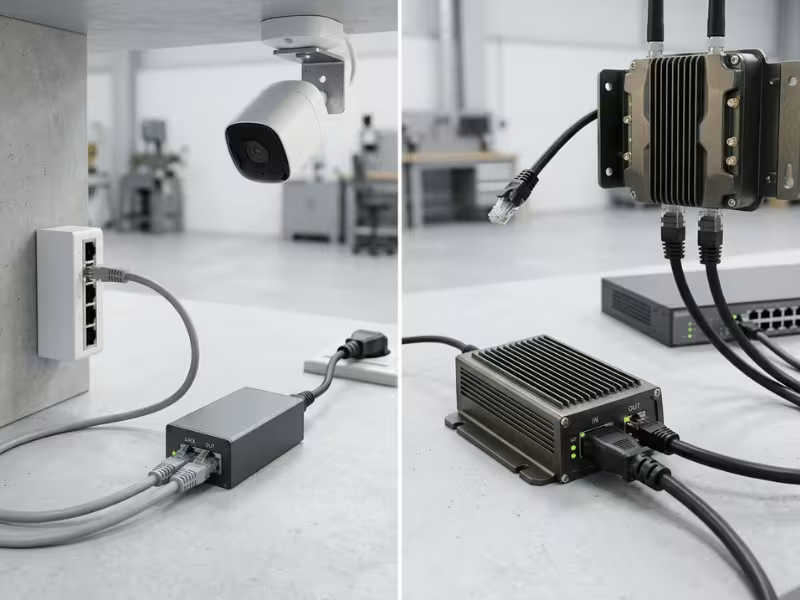
802.3af is the original Power over Ethernet standard. The power sourcing equipment (PSE) — typically a switch port or midspan injector — outputs up to 15.4 W per port. After resistive loss across the twisted-pair cable, the powered device (PD) receives up to about 12.95 W. That delivered figure, not the 15.4 W at the source, is what your device actually gets to work with.
The standard defines power classes 0 through 3, letting the PSE allocate the right budget to each PD through a classification handshake. In modern deployments, Cat5e or better cabling is commonly recommended for reliable delivery. In practice, 802.3af comfortably supports low-draw endpoints: VoIP phones, fixed IP cameras, sensors, and basic wireless access points that sit well within the ~13 W envelope.
The takeaway: 802.3af is efficient and cost-effective for steady, low-power devices. Its ceiling is the constraint — once a device pushes past ~13 W, this standard runs out of room.
What 802.3at (PoE+) Is
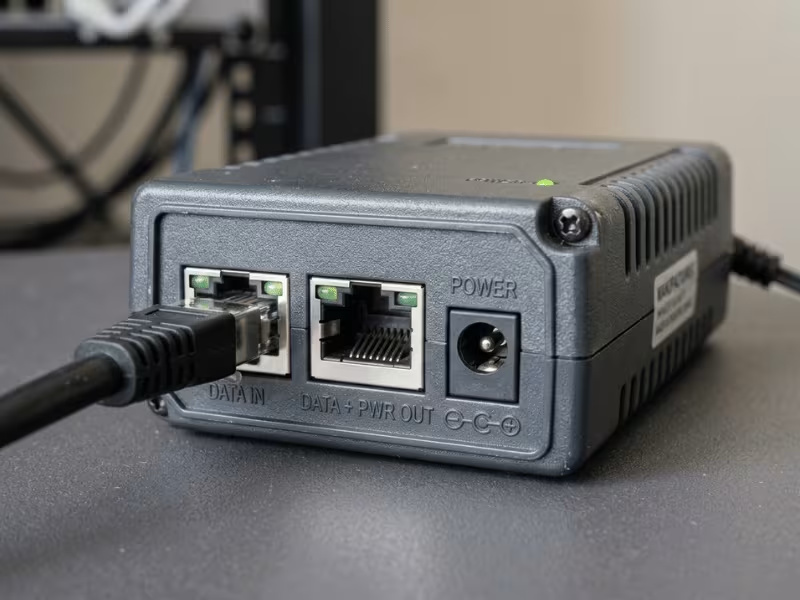
802.3at, marketed as PoE+, roughly doubles the available power. The PSE outputs up to 30 W per port, and the PD receives about 25.5 W after cable loss. That extra headroom unlocks a whole tier of devices that 802.3af simply cannot run.
802.3at introduces Class 4, the power class reserved for higher-draw devices, and reliable delivery still typically calls for Cat5e or better cabling. In many PoE+ deployments, LLDP (Link Layer Discovery Protocol) is also used to support finer, ongoing power allocation beyond basic classification, depending on switch and device support. That negotiation lets a switch allocate power more precisely and reclaim unused budget across its ports.
The practical result: with ~25.5 W at the device, 802.3at powers PTZ cameras with motors and heaters, dual-band access points running at full capacity, and video phones with displays. When a device spec sheet lists a draw above ~13 W, 802.3at is your floor, not an upgrade.
802.3at vs. 802.3af: Side-by-Side Comparison
The table below summarizes every practical difference between the two standards. Read the delivered-power row first — it is the number that decides deployments.
Factor | 802.3af (PoE) | 802.3at (PoE+) |
|---|---|---|
PSE power per port | Up to 15.4 W | Up to 30 W |
PD available power | ~12.95 W | ~25.5 W |
Power classes | 0–3 | 0–4 (adds Class 4) |
Power negotiation | Classification handshake | Classification + optional LLDP |
Typical cabling guidance | Cat5e or better | Cat5e or better |
Typical device fit | VoIP phones, fixed cameras, sensors, basic APs | PTZ cameras, high-throughput APs, video phones |
How to read this: the number that matters is PD available power, not PSE power per port. A device draws its power at the far end of the cable, after resistive loss has already reduced what arrived. Two ports rated at the same PSE wattage can deliver different power to the device depending on cable length and quality. Always design to the PD figure with margin, and treat the PSE rating as the ceiling, not the guarantee.
Backward Compatibility: What Works, What Doesn’t
Backward compatibility between these standards is real but directional, and the direction trips up many deployments.
802.3at source powering an 802.3af device: works cleanly. An 802.3at PSE recognizes a lower-power 802.3af PD through classification and simply supplies the smaller budget it requests. No conflict, no wasted power. You can safely run 802.3af devices on a PoE+ switch.
802.3af source powering an 802.3at device: this is where installs fail. An 802.3af PSE tops out at ~12.95 W delivered. Connect an 802.3at-only device that expects up to ~25.5 W, and the source cannot meet the demand. The symptoms are ugly and intermittent: the device may under-power, reset during peak load, or fail to boot entirely.
Consider a PTZ camera on an 802.3af switch. At idle the camera might appear fine, drawing modest power for imaging. Then the pan-tilt-zoom motors engage, or a cold-weather heater kicks in, and the draw spikes past what the port can supply. The camera browns out, resets, and the cycle repeats. In these cases, the real fix is usually to match the PSE capability to the device’s actual power budget.
Mixing on one switch is fine when the math works. A single PoE+ switch can power a blend of 802.3af and 802.3at devices, provided the PSE meets each PD’s budget and the switch’s total power budget covers the combined load. Verify both the per-port and aggregate figures before you commit.
Which Devices Each Standard Powers
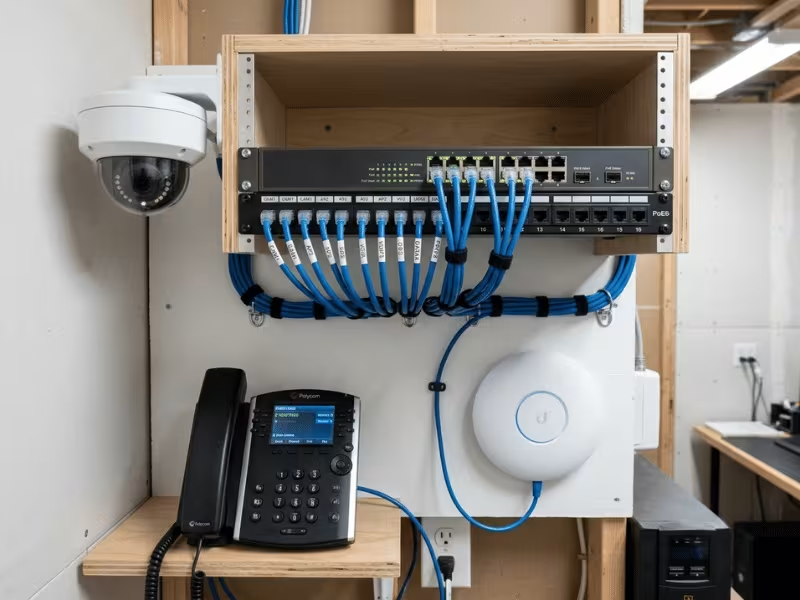
Mapping your equipment to the right standard comes down to one variable: power draw. Here is where common devices typically land.
802.3af (up to ~12.95 W) fits low-draw endpoints:
- VoIP phones — steady, low power for audio and a small screen
- Fixed IP cameras — no motors or heaters, so draw stays modest
- Basic wireless access points — single-band or lower-throughput units
- Sensors and IoT nodes — minimal power for environmental or occupancy data
- Access-control readers — card and keypad units with light power needs
802.3at (up to ~25.5 W) fits higher-draw devices:
- PTZ cameras — motors, zoom, and heaters push draw well past 13 W
- Dual-band, high-throughput APs — full-capacity radios need the extra budget
- Video phones with displays — larger screens and video processing raise demand
- Thin clients — compute and display loads exceed 802.3af’s ceiling
The rule is simple: check the device’s rated draw, add margin, then pick the standard whose delivered power comfortably covers it. When draw sits near the ~13 W line, choose 802.3at rather than gambling on the edge of 802.3af’s envelope.

When 802.3af Is Enough and When 802.3at Is Better
The choice hinges on delivered power, cable run, and how much headroom you want. Design to the PD figure after cable loss, then apply the thresholds below.
Choose 802.3af when:
- Device draw sits comfortably under ~12.95 W with margin to spare
- Cable runs are moderate, keeping resistive loss low
- Cost per port matters and the device tier is stable and low-power
- You have no near-term plan to swap in higher-draw equipment
Choose 802.3at when:
- Device draw exceeds ~13 W, or spikes above it under load
- Cold-weather heaters, motors, or radios cause peak demand well above idle
- Long cable runs increase loss and shrink delivered power at the far end
- You want headroom to upgrade devices without re-cabling or re-sourcing power
Two effects deserve emphasis. First, cable length directly reduces delivered power — a long run on the edge of 802.3af’s budget can push a borderline device into failure. Second, over-specifying to 802.3at costs more per port but future-proofs the install, while under-specifying risks intermittent field failures that cost far more to diagnose and fix. When the decision is close, headroom usually wins.
Common Deployment Mistakes to Avoid
Most PoE field problems trace back to a handful of avoidable errors. Watch for these:
- Sizing to PSE power instead of PD power. The device gets the delivered figure after cable loss, not the port’s rated output. Design to ~12.95 W or ~25.5 W at the device, not 15.4 W or 30 W at the source.
- Ignoring the switch’s total power budget. A switch may rate every port for PoE+ individually but lack the aggregate budget to power them all at once. Sum the load across active ports and confirm it fits.
- Using long or low-grade cable. Sub-spec or excessively long cable increases resistive loss, dropping delivered power below what the device needs. Match cable quality and keep runs within spec.
- Assuming any “PoE” switch supplies PoE+. A switch labeled “PoE” may only support 802.3af. Verify it explicitly supports 802.3at before connecting higher-draw devices.
- Overlooking classification and negotiation failures. If the PSE and PD don’t complete classification (or LLDP where 802.3at relies on it), the device may default to a lower power tier. Confirm negotiation support on both ends.
- Forgetting simultaneous peak draw. A camera fleet that all engages heaters or motors at once can exceed the switch budget even if idle draw fits. Plan for coincident peak, not average.
Each of these has the same fix at its core: verify the real numbers — delivered power, aggregate budget, cable spec, and negotiation — before commissioning, not after.
How to Specify the Right PoE Power Solution
Turn the comparison into a repeatable specification workflow. Follow these steps in order:
- Sum your PD power needs, including peak draw. List every device and its rated demand, then account for load spikes from motors, heaters, or radios — not just idle figures.
- Add margin for cable loss over run length. Estimate resistive loss for your longest runs and reduce your usable budget accordingly. Design to delivered power at the far end.
- Confirm the PSE per-port and total budget. Verify both the per-port rating and the switch’s aggregate budget cover your combined, coincident load.
- Verify class negotiation support. Confirm the PSE and PDs complete classification, and LLDP where 802.3at relies on it, so devices receive their full allocated power.
- Match the cabling. Use Cat5e or better, and keep runs within spec to protect delivered power.
- Plan for future device upgrades. If higher-draw equipment is likely, specify 802.3at now to avoid re-cabling and re-sourcing later.
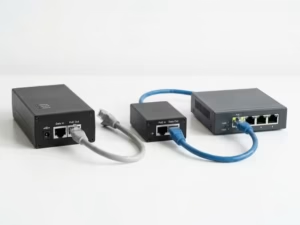
Beyond the switch, your PoE power sourcing — midspans, injectors, and PSE-side supplies — must be sized to the same real budget. Quankang manufactures PoE adapters and PoE-capable power supplies that support 802.3af and 802.3at deployments, engineered so the source-side power holds up under the coincident peak load your install actually sees, not just its average. Where a project needs a tailored footprint, connector, or output, custom power adapters can be matched to the same real budget on an OEM/ODM basis.
FAQ: 802.3at vs. 802.3af PoE
Can I run an 802.3at device on an 802.3af switch?
Sometimes, but not reliably at full power. An 802.3af switch delivers only ~12.95 W, so an 802.3at device that needs up to ~25.5 W may under-power, reset under load, or fail to boot. If the device’s real draw stays under ~13 W it may work, but anything higher requires an 802.3at source.
How much power does each standard actually deliver to the device?
802.3af delivers about 12.95 W at the device after cable loss, from a 15.4 W source. 802.3at delivers about 25.5 W at the device, from a 30 W source. Always design to these delivered figures, not the source ratings.
Does 802.3at need special cabling?
No special cable, but Cat5e or better is commonly recommended for reliable delivery. Long or low-grade runs increase resistive loss and reduce delivered power, which can push a borderline device into failure.
Is PoE+ the same as 802.3at?
Yes. PoE+ is the common marketing name for the IEEE 802.3at standard. They refer to the same ~30 W source, ~25.5 W delivered specification.
How does cable length affect delivered PoE power?
Longer cable means more resistive loss, so less power reaches the device. A run near the maximum length can drop delivered power enough to under-power a device that sits close to the standard’s budget. Keep runs within spec and design with margin.
Can one switch mix 802.3af and 802.3at devices?
Yes. An 802.3at (PoE+) switch powers both, supplying each device the budget it negotiates. Just confirm the switch’s total power budget covers the combined, coincident load across all active ports.
Key Takeaways and Next Step
- The core difference is power: ~12.95 W delivered on 802.3af versus ~25.5 W on 802.3at.
- 802.3at is backward compatible with 802.3af devices, but an 802.3af source cannot fully power an 802.3at-only device.
- Design to PD power after cable loss, with headroom — never to the PSE rating alone.
- Verify per-port and total switch budget, cable quality, and class negotiation before commissioning.
- Over-specifying to 802.3at future-proofs the install; under-specifying invites field failures.
Getting PoE right is a matter of matching delivered power to real device demand, then sizing your source-side power to the coincident peak. To specify PoE power supplies and adapters sized to your 802.3af or 802.3at deployment, explore Quankang’s power products or contact us for OEM/ODM support.