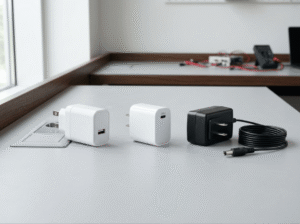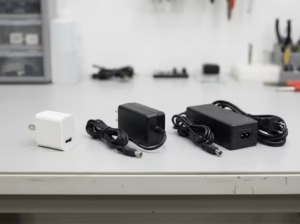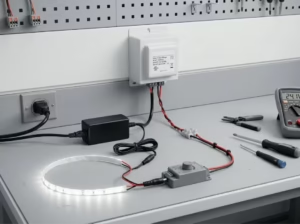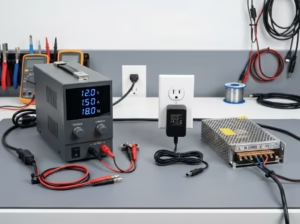
Most power-related failures trace back to a few avoidable mismatches: wrong voltage, undersized current, a connector that doesn’t seat properly, or a supply that wasn’t built to run continuously. A router that keeps rebooting, an LED strip that flickers, a 3D printer that shuts off mid-print — in most cases, the supply is the problem, not the device.
This guide covers 12V DC power supply selection specifically: which specs to check, why each one matters, and what goes wrong when it’s ignored. If you need a broader comparison across 5V, 12V, and 24V systems, the step-by-step guide to choosing the right power adapter covers that ground separately.
The Three Specs That Decide Compatibility
Voltage must match exactly
A device labeled “12V DC” requires 12V DC — not 11V, not 13V, and not 12V AC. Too low, and the device may fail to start or run unstably. Too high, and you risk immediate or cumulative damage to internal components.
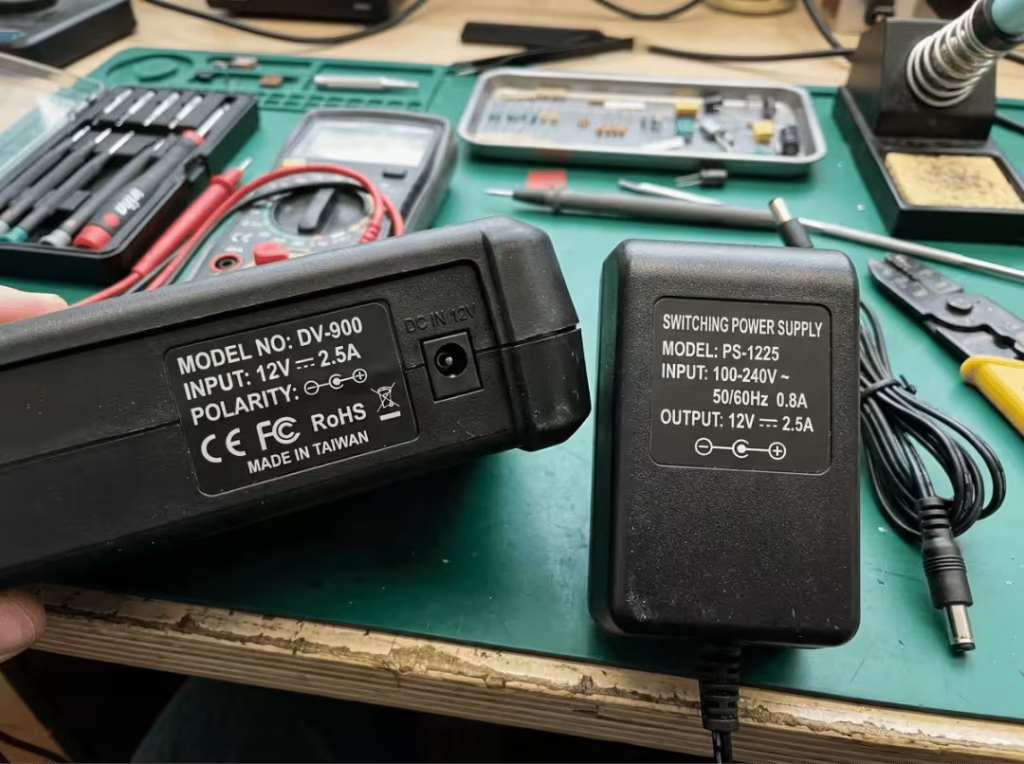
Before anything else, confirm the device requires DC, not AC. Most consumer electronics, routers, cameras, LED drivers, and embedded systems run on DC. The supply’s output label should read “DC” or show the DC symbol (—), not the AC symbol (~). Find the rated voltage on the device chassis label, the rear panel, or the product documentation. If the label is worn, look it up by model number. Don’t estimate.
Current: the supply must meet or exceed what the device draws
The current rating — measured in amperes — is the maximum the supply can safely deliver. The device’s rated draw is the minimum that supply must cover.
A 2A supply powering a 3A device will hit its ceiling under normal load. The symptoms: unexpected restarts, overheating, dimming output, or failure to complete tasks. The supply itself may fail prematurely from sustained stress.
Going higher is fine. A 5A supply on a 2A device runs well within its limits; the device pulls only what it needs.
One thing many buyers overlook: startup surge. Motors, pumps, 3D printer stepper drivers, and LED systems with large capacitors all draw significantly more current at startup than during steady operation. A supply sized only to the running current can trip or restart at every power-on. This is why margin matters — not just matching the rated draw to the spec sheet. For a detailed look at how this plays out with routers and cameras, see the 12V 1A vs 12V 2A adapter comparison.
Connector size and polarity: details most buyers skip
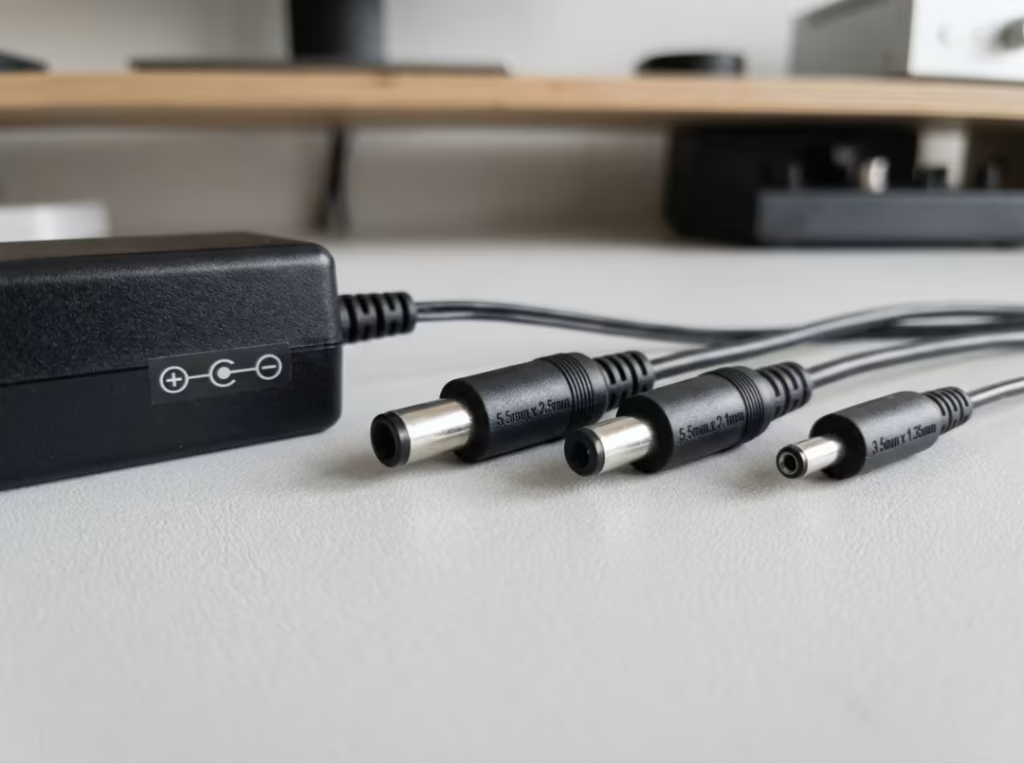
Barrel connectors aren’t standardized. The three most common sizes — 5.5×2.1mm, 5.5×2.5mm, and 3.5×1.35mm — look nearly identical, but 5.5×2.1mm and 5.5×2.5mm are not interchangeable. A loose fit creates intermittent contact, voltage drop under load, and localized heat at the connection point. Over time, that heat damages both the plug and the device’s power jack.
Polarity is equally critical. Most 12V devices are center-positive: inner pin positive (+), outer sleeve negative (−). Some are center-negative. Reversing polarity on a device without built-in protection can destroy it immediately.
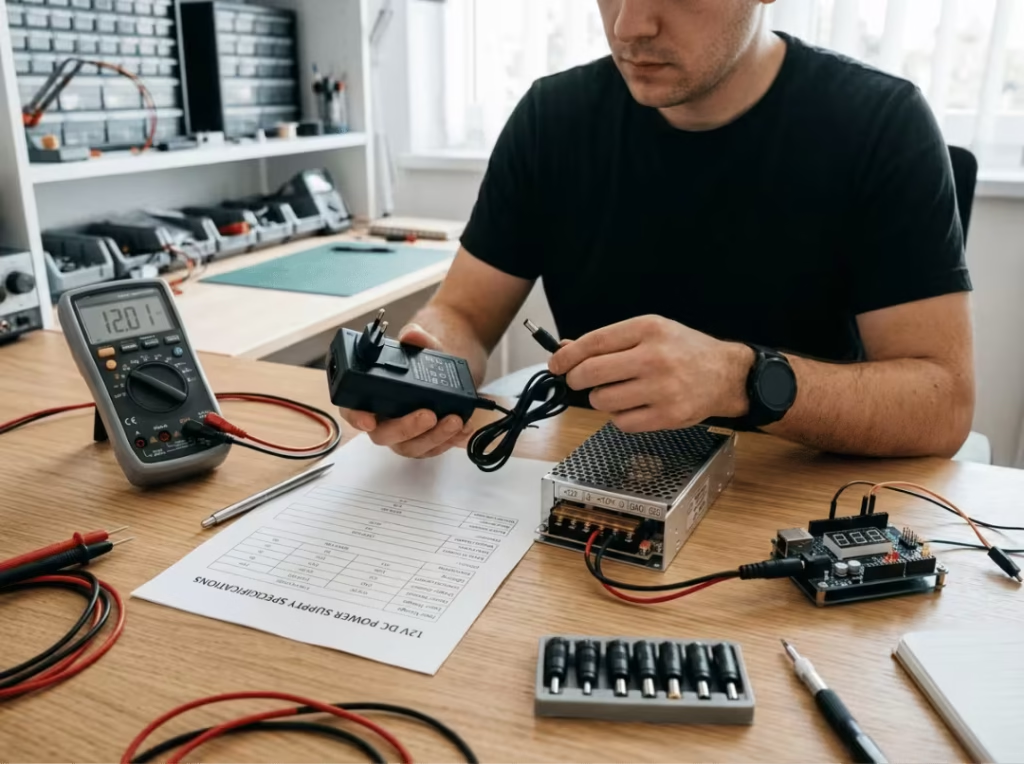
To verify when the label is unclear: set a multimeter to DC voltage, place the red probe inside the center pin, and touch the black probe to the outer sleeve. A positive reading confirms center-positive. If you’re replacing an existing supply, the original adapter’s label is the most reliable reference.
Understanding Load Behavior
Why startup surge causes problems with otherwise correct selections
The current a device draws at startup is often considerably higher than its steady-state draw. That surge is brief, but it’s enough to cause real problems if the supply has no margin.
When a supply sized to the running current hits a startup demand spike, the response varies by design. Some supplies trigger overcurrent protection and shut off — that clicking or restart-loop behavior common with undersized router adapters. Others sag in output voltage. Some accumulate wear from repeated near-limit stress without ever fully failing until months later. The practical fix isn’t to calculate the surge precisely; it’s to build in enough headroom that normal startup events stay well within the supply’s safe operating range.
Running near the rated limit shortens service life
A supply operating close to its current ceiling runs hotter than one at moderate load, and heat is the primary cause of component degradation in switching power supplies. Electrolytic capacitors — central to most switching designs — lose service life significantly as operating temperature rises.
For devices that run continuously — CCTV cameras, routers, always-on LED installations, industrial controllers — this matters far more than for occasional use. A supply at 90% of rated capacity around the clock will fail sooner than one running at 60%. The nameplate rating is the ceiling, not a sustainable daily target.
Wattage and Headroom
Calculating the minimum wattage
Power is voltage multiplied by current: Watts = Volts × Amps. For 12V systems:
- 12V × 2A = 24W
- 12V × 5A = 60W
- 12V × 10A = 120W
If the device label lists wattage rather than current, divide by 12 to get the amperage requirement. That figure is the minimum the supply must exceed.
How much margin is actually useful
A 20–30% margin above peak expected load handles three real-world conditions: startup surge, sustained operation without thermal stress, and normal load variations during use. For a 5A load, a 6–7A supply is appropriate. For 3A, a 4A supply works well.
This buffer also accounts for ambient temperature. A supply inside a warm cabinet or an enclosed space delivers less effective output than the same unit running in open air. Building margin into the selection means the supply isn’t pushed to its limit when installation conditions aren’t ideal.
When oversizing stops helping
Beyond 25–30% margin, there’s no meaningful benefit. A supply rated at three times the actual load costs more, takes up more space, and offers nothing extra in performance or reliability. The device draws what it needs; the supply doesn’t force extra current into it. Choose enough margin — not unlimited margin.
Matching Supply Type to the Application
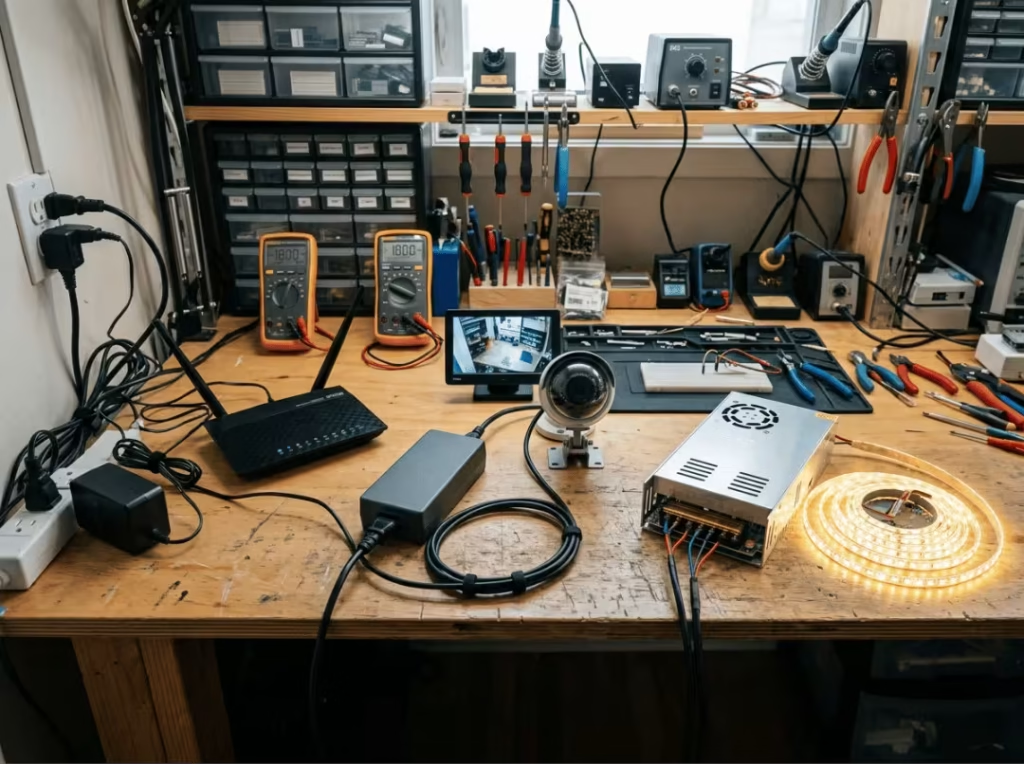
Routers, CCTV cameras, and small electronics
For most networking equipment and consumer electronics, a regulated switching adapter is the right choice. These supplies hold stable output across varying loads, are compact and efficient, and are available in a wide range of current ratings. The key checks: voltage accuracy within ±5% of 12V under load, current rating with margin, correct connector and polarity, and a continuous-use rating if the device runs 24/7.
If you’re sourcing for deployment across multiple sites or device types, Quankang’s ITE power supply range covers a broad selection of regulated adapters suited to networking and electronics applications.
LED strips, 3D printers, and higher-load devices
LED systems are routinely undersized at purchase. Calculating current for the strip alone — without accounting for driver efficiency losses or planned extensions — results in supplies that run near their limit from day one, which is where flickering and premature failure begin. A 20–30% margin prevents most of this.
3D printers draw variable current depending on which components are active: heated beds, hotends, stepper motors, and fans all cycle at different times. A supply with margin handles this cleanly. Heated beds in particular can draw a significant current spike at startup — a supply sized to the minimum often struggles with this repeatedly.
Both categories need supplies with genuine thermal headroom. Avoid running them in enclosed spaces without airflow, and confirm the supply’s rated ambient temperature matches the installation environment.
DIY projects and embedded builds
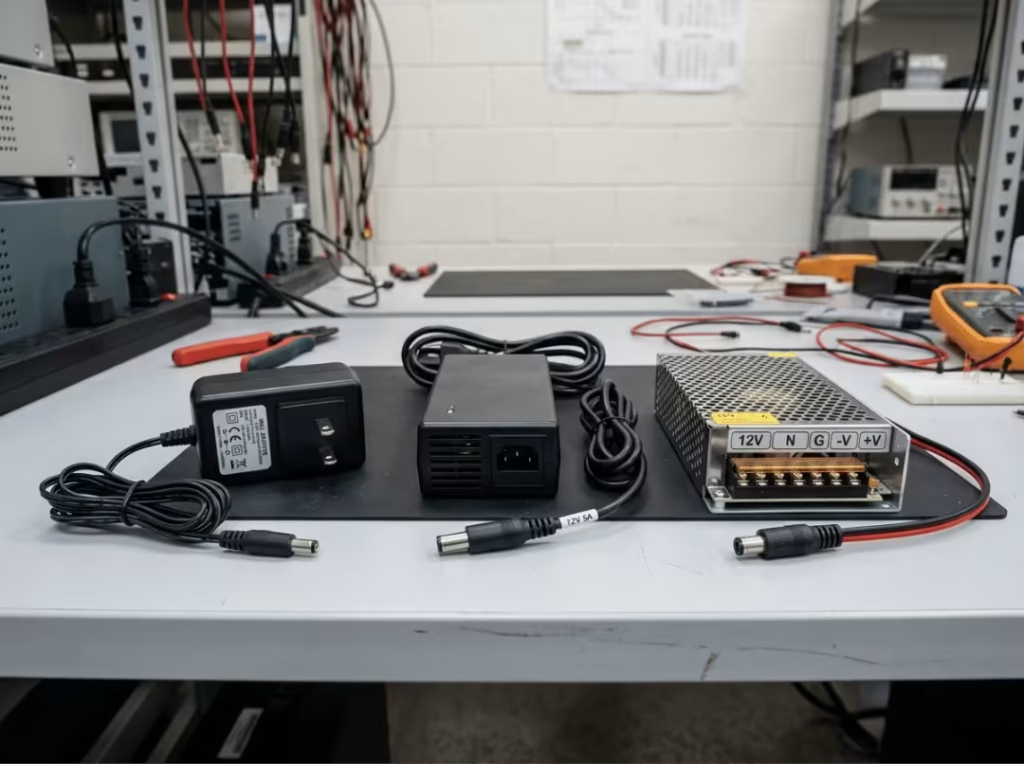
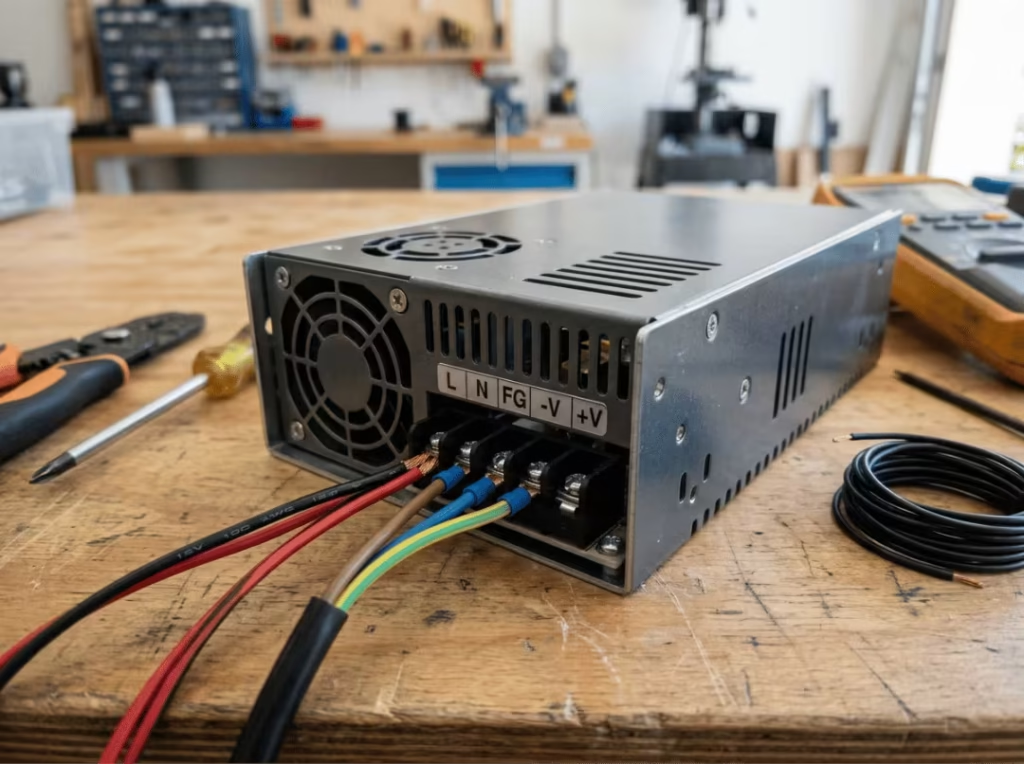
Open-frame and enclosed switching supplies are both common in DIY and embedded work. Open-frame units are designed to be mounted inside a larger housing where the builder controls airflow and access. Enclosed units are safer for benchtop setups and accessible environments.
Three risks are worth flagging specifically: polarity mistakes during manual wiring (verify with a multimeter before connecting anything), voltage drop on longer cable runs at higher currents, and unprotected output lines. A fuse between the supply and the load is straightforward protection that’s often skipped and later regretted.
For non-standard configurations or applications with specific form factor or output requirements, custom power adapter options can address requirements that off-the-shelf adapters don’t cover cleanly.
Regulated vs. unregulated
For any load involving logic boards, microcontrollers, cameras, or communication circuits, use a regulated supply. Regulated output holds steady as load changes. Unregulated output drifts with load — acceptable for simple resistive applications like basic lighting or heating elements, but not for digital electronics that require stable voltage to function correctly. The cost savings on unregulated units aren’t worth the compatibility risk in most real-world 12V applications.
Linear vs. switching
Switching supplies are the practical default for 12V DC applications. They’re efficient, compact, and available across any current range you’re likely to need.
Linear supplies produce cleaner output with less high-frequency noise. That matters for audio equipment sensitive to switching artifacts, precision measurement instruments, or lab setups where supply ripple affects readings. For everything else — routers, cameras, LED systems, industrial controls — a well-made switching supply is the better choice.
Judging Quality Before You Buy
Safety certifications
Recognized certifications indicate the supply has been tested against established safety requirements. The most relevant marks for 12V DC power supplies:
- UL (Underwriters Laboratories) — North American market
- CE — European conformity
- FCC — Electromagnetic compatibility, US market
- RoHS — Restriction of hazardous substances
- CCC — China Compulsory Certification
Missing certifications don’t automatically mean the supply is dangerous, but they remove the third-party verification those marks represent. For commercial, industrial, or always-on applications, certified supplies are the only sensible default. For consumer use, they’re still the better choice — particularly when the supply runs unattended.
One practical caution: counterfeit certification marks exist, especially in the 12V adapter category. A UL logo printed on a label from an unknown source isn’t the same as a supply that’s been UL-tested and listed. Buy from traceable distributors.
Protection features
Four features matter most in serious or continuous-duty applications:
- Overcurrent protection (OCP): Cuts or limits output when current exceeds a safe threshold, protecting both the supply and the connected device.
- Overvoltage protection (OVP): Shuts down or clamps output if voltage climbs above a safe level, preventing downstream damage.
- Short-circuit protection (SCP): Allows the supply to survive a direct output short without failure.
- Thermal protection: Reduces output or shuts the supply down when internal temperature gets too high.
Budget consumer adapters sometimes omit or minimize these. For installations where failure would damage expensive equipment or create a fire risk, treat them as non-negotiable.
Heat and installation conditions
Heat is the primary cause of early failure in switching power supplies. Electrolytic capacitors — central to most switching designs — have service lives that drop sharply with temperature. A supply running at 60°C won’t last nearly as long as one running at 40°C.
Installation conditions matter as much as the nameplate rating. A supply inside a sealed cabinet, near other heat-generating equipment, or in a warm room runs hotter than its datasheet assumes. When assessing a supply for long-term continuous use, think about the real operating environment — not the lab test conditions the manufacturer used.
Common Mistakes
Matching voltage but ignoring current rating. Voltage is the first check most buyers make, but current undersizing is where most real problems occur. The device may power on and still be unreliable, which makes the root cause harder to identify.
Assuming all 12V barrel connectors are the same. 5.5×2.1mm and 5.5×2.5mm differ by 0.4mm in the center pin — enough to create a loose fit, intermittent contact, and localized heat under load. Confirm the connector spec before ordering.
Overlooking polarity. Center-positive and center-negative are not interchangeable. Connecting the wrong polarity to a device without reverse-polarity protection can destroy it immediately. Check the label; verify with a multimeter if uncertain.
Buying a supply with no real safety markings. A cheap uncertified unit may work initially, but it skips the testing that catches insulation failures, overheating, and overvoltage — the failure modes that damage connected equipment or start fires. The cost difference rarely justifies that risk.
Sizing too tightly for continuous or peak loads. A supply rated exactly at the device’s running current has no margin for startup surge, thermal variation, or gradual load growth. This is one of the most common reasons 24/7 installations develop intermittent failures months after commissioning.
Ignoring cable length on higher-current runs. Resistance in long or undersized cable reduces the voltage the device actually receives, and the effect gets worse as current increases. Use appropriately rated cable and keep runs short where the application allows.
Selection Checklist
Step 1: Confirm 12V DC input. Check the device label or documentation. Confirm the voltage is exactly 12V and the type is DC, not AC.
Step 2: Find the minimum current requirement. Note the device’s rated current draw. This is the floor — the supply must meet or exceed it.
Step 3: Calculate wattage and add margin. Multiply 12 by the current draw to get minimum wattage, then add 20–30% for startup surge, heat, and sustained operation.
Step 4: Verify connector size and polarity. Confirm the barrel connector dimensions and whether the device is center-positive or center-negative before purchasing.
Step 5: Choose the right form factor. Wall adapter for consumer electronics and routers; open-frame or enclosed supply for DIY builds; DIN-rail or chassis-mount for industrial installations.
Step 6: Confirm certifications and protection features. Look for UL, CE, FCC, or RoHS marks. For serious or always-on installations, confirm OCP, OVP, SCP, and thermal protection are present.
Step 7: Buy from a traceable source. Generic listings with unclear origins are the most common source of counterfeit or uncertified supplies in this category. A reputable distributor is worth the small price premium.
FAQs
Can I use a 12V power supply with more amps than my device needs?
Yes — as long as voltage and polarity match. The device draws only the current it needs; the supply doesn’t push excess current into it. A higher-rated supply running at partial load typically runs cooler and lasts longer. There’s no downside to exceeding the device’s current requirement, provided the voltage is correct.
What happens if I use the wrong voltage?
Too low: the device may fail to start, restart under load, or behave erratically — common with routers and cameras that need stable voltage for their logic circuits. Too high: internal components can be damaged immediately, especially in devices without overvoltage protection. Voltage must match exactly; it’s not a parameter you can approximate.
How do I check the polarity of a barrel connector?
Set a multimeter to DC voltage. Place the red probe inside the center pin and the black probe against the outer sleeve. A positive reading means center-positive; negative means center-negative. If you’re replacing an existing adapter, the polarity symbol on the original label is the clearest reference — it shows a diagram with (+) and (−) marked relative to the center pin and sleeve.
Why does my 12V power supply run hot?
Some warmth during operation is normal. Significant heat — uncomfortable to hold for more than a second — usually indicates the supply is running near its current limit, ventilation around it is restricted, the ambient temperature is high, or the unit’s efficiency is low. Any of these will shorten its service life. Check whether the supply is adequately sized and whether it has room to breathe in its installation location.
Can one 12V power supply run multiple devices?
Yes, provided all connected devices require 12V DC and the combined current draw stays within the supply’s rating — with the same 20–30% margin applied to the total. In multi-device setups, wiring and distribution quality become more critical: cables must be sized for the full combined current, not just the load of any single device.
What’s the difference between a 12V AC adapter and a 12V DC power supply?
The output type is fundamentally different. A 12V AC adapter outputs alternating current; a 12V DC power supply outputs direct current. Most electronics require DC. Connecting an AC adapter to a device that requires DC will typically damage or destroy it. Always confirm the output type before substituting one supply for another — the voltage number alone isn’t enough.
Final Word
Four things drive the right 12V DC power supply decision: exact voltage match, current capacity with margin, correct connector size and polarity, and a supply that’s certified and built to run reliably. Get those right and most power-related problems don’t happen.
The real cost in this category isn’t a quality power supply — it’s diagnosing intermittent faults, replacing damaged equipment, or rewiring an installation because the supply failed early. Time spent on the spec sheet saves time on the troubleshoooting.
For a closer look at current ratings within the 12V category, the 12V 2A adapter guide covers common use cases in more detail.