Many buyers see a “Level VI” mark on a power adapter and assume it means faster charging. It doesn’t.
I’ve spent years working with external power supplies, and I see this mix-up all the time. The efficiency rating has nothing to do with charging speed. It tells you how well the adapter turns wall power into useful power for your device.
Two things matter here: how much energy the adapter wastes as heat, and how much power it pulls when nothing is plugged in. That second one, no-load draw, adds up fast on gear you leave connected all day.
Short version: if you’re shopping for a replacement, look for a Level 6 mark first. Below, I’ll show you why it matters, how to read the label, and how to pick the right unit.
What an Efficiency Rating on an ITE Power Adapter Means
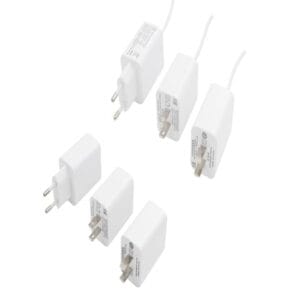
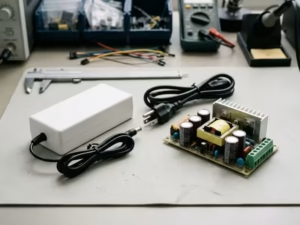
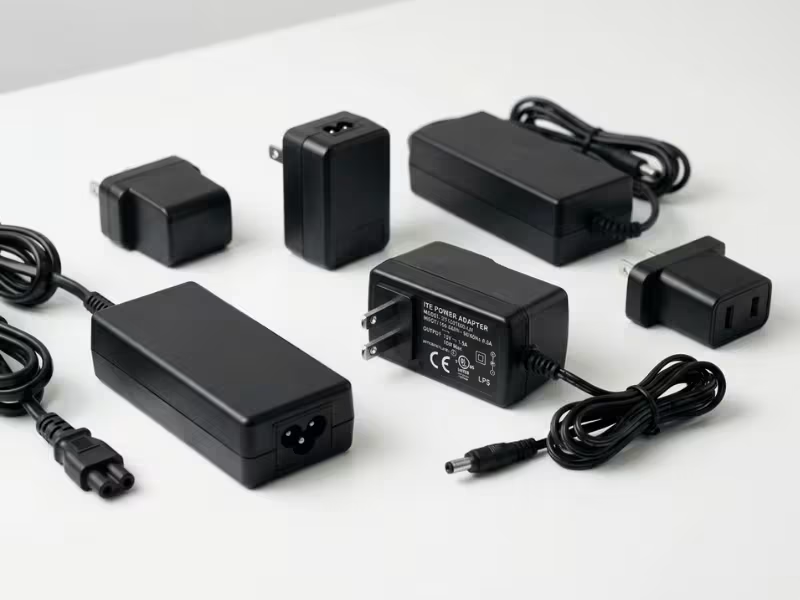
An ITE power adapter is the external power supply that sits between the wall and your device. You’ll find one with almost every laptop, router, monitor, and network switch. Its job is simple: take AC power from the outlet and convert it to the steady DC power your gear needs.
The efficiency rating tells you how well it does that job.
Think of it this way. The adapter pulls a certain amount of power from the wall. Only part of that reaches your device. The rest leaks away as heat, or drains quietly while the adapter sits idle. A better rating means less waste and more useful power making it through.
Two numbers drive the whole rating:
That second number surprises people. An adapter can waste power even when you’re not using it.
So when you see a level on the label, read it as a shorthand for both: less heat during use, and less quiet drain at rest. Keep those two ideas in mind, because they shape everything that follows.
Why This Rating Matters More Than Most Buyers Think
Here’s what most buyers miss: an adapter’s efficiency rating only pays off when the adapter actually runs. And plenty of them run all the time.
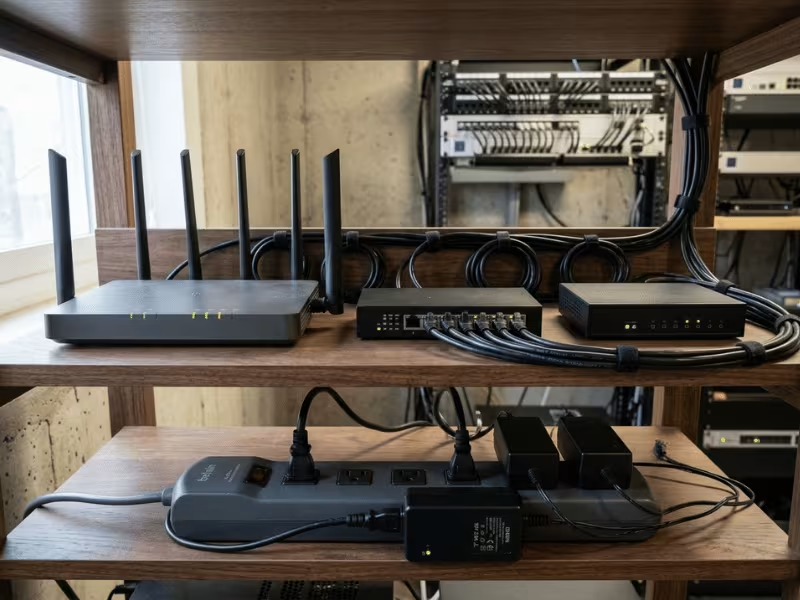
Think about your own setup. Your router never turns off. Your monitor sits in standby. A docking station stays connected whether the laptop is there or not. Add network switches, security cameras, and office gear, and you’ve got a room full of adapters pulling power around the clock.
I see this constantly in offices and small server rooms. Nobody unplugs anything. So a poor adapter doesn’t waste power for an hour a day — it wastes it every hour, all year.
Two problems come with a low-efficiency unit. First, it burns more power for the same output. Second, that lost power turns into heat. A hot adapter works harder, ages faster, and fails sooner. On always-on equipment, that heat matters as much as the wasted watts.
Now, one adapter’s savings look tiny. A watt or two. You’d barely notice it on a single bill.
But scale changes the picture. Multiply that by twenty adapters in an office, running every hour of the year, and the numbers start to mean something. The same goes for one adapter you never switch off.
This isn’t a green slogan. It’s about running cost and reliability on the gear you leave plugged in. A better rating keeps that equipment cooler and cheaper to run over its life — and those are the units worth caring about.
How to Read the Rating on the Adapter Label
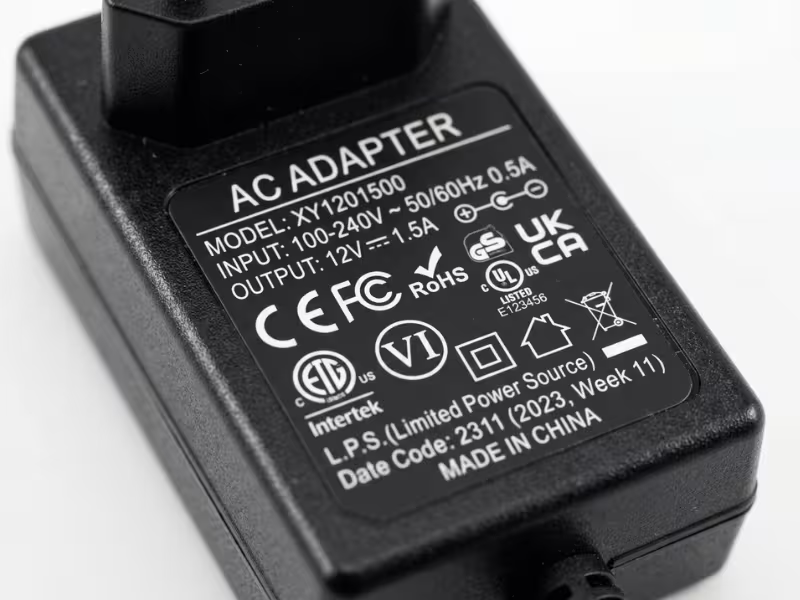
Flip the adapter over and look at the printed block of text. That small panel holds everything: the model number, input and output specs, safety icons, and the efficiency mark you’re after.
The efficiency mark usually sits close to the model number or the input/output line. It shows up one of two ways: a Roman numeral inside a circle (a circled VI), or plain printed text like “Level VI” or “Efficiency Level VI.” That’s the one that tells you about energy waste.
Don’t confuse it with the other logos crowding the label. UL, CE, FCC, CCC, and RoHS all sit nearby, but they cover safety, radio interference, and material rules — not efficiency. It’s easy to glance at a wall of icons and assume they all mean the same thing. They don’t.
Here’s a quick way to sort them out:
Label item | What it tells you | Should you use it to judge efficiency? |
|---|---|---|
Level VI / circled VI | Energy efficiency level | Yes |
Output voltage / current | Electrical compatibility with your device | No, but essential for safety |
UL / CE / FCC / CCC | Safety or regulatory compliance | No |
USB-PD / fast charge text | Charging protocol | No |
A few red flags tell me an adapter isn’t worth trusting.
Watch for a vague or missing model number — real units carry a clear one you can look up. Be careful with listings that only show a stock photo of a label instead of the actual adapter. And treat a suspiciously low price as a warning, not a deal; genuine efficiency comes from better components, and those cost money.
When in doubt: take the model number and check it against the maker’s own compliance page. If you can’t find one, that tells you something too.
Level 6, Level 7, and Older Ratings: What the Difference Really Means
The number on the label isn’t a quality score or a speed rating. It’s a marker of how much energy the adapter wastes. So the real question isn’t “which level is highest?” — it’s “which level should I actually look for when I buy?”
Let me break it down the way I would for a client.
Older Than Level 5: Fine to Keep, Not to Buy
Adapters below Level 5 came from a time with looser rules. They tend to leak more power at idle and run less efficiently at low loads — exactly the range where routers and resting laptops live.
If you already own one and it works, there’s no rush to bin it. But I wouldn’t buy one on purpose today. You’d be paying for waste you can easily avoid.
Level 6: The Line I Tell Buyers to Draw
For almost everyone, Level 6 is the mark to look for. It’s the current baseline for new adapters sold in the US and EU, so it’s easy to find and rarely costs extra.
Treat it as your default. If a replacement adapter shows a clear Level VI mark and matches your device’s specs, you’re on safe ground.
Level 7: Nice to Have, Not a Deal-Breaker
Level 7 shows up on some newer units and can tighten the limits a bit further, especially on higher-wattage adapters. If you see it and the price is fair, take it.
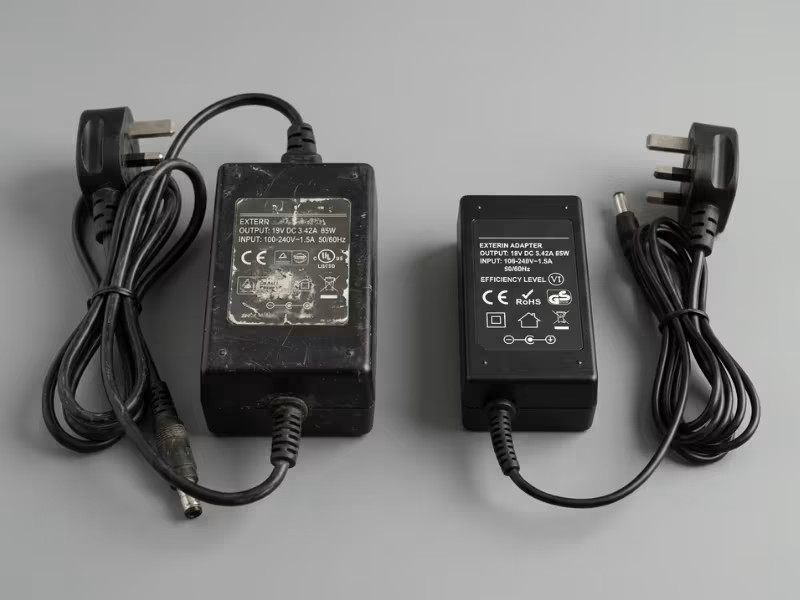
Just don’t let it override the things that matter more. A Level 7 mark won’t help you if the voltage is wrong or the build feels flimsy. Compatibility and quality come first — the efficiency level is a tiebreaker, not the main event.
Here’s how I’d sum up the three:
Efficiency Level | What it usually suggests | Practical takeaway |
|---|---|---|
Older than Level 5 | More likely to waste power at idle and low loads | Fine if you already own it; skip it as a new buy |
Level 6 | The current baseline worth targeting | Best default choice for most buyers |
Level 7 | Newer, sometimes stricter limits | Welcome bonus, but never above fit and build quality |
One last thing to clear up: a higher level does not mean faster charging, and it doesn’t promise a longer-lasting adapter. Charging speed comes from wattage and voltage. Durability comes from components and cooling. The efficiency level only tells you about wasted power — so read it for what it is, and judge the rest on its own.
Efficiency Rating Does Not Tell You These Things
The efficiency level answers one question: how much power does the adapter waste? That’s it. Buyers often read far more into that little mark than it actually says. Let me clear up what it can’t tell you.
Read the level for exactly what it is — a measure of waste — and check everything else on its own terms.
How Efficiency Ratings Are Measured
You don’t need to run a lab to trust the number, but it helps to know what sits behind it.
Every rating rests on two measurements. The first is active-mode efficiency — how much of the power coming from the wall actually reaches your device while it works. Testers check this at four points: 25%, 50%, 75%, and 100% of the adapter’s rated load. Then they average the results. That’s why the label reflects performance across a range, not just one moment.
The second is no-load power draw. This one measures the watts the adapter keeps pulling with nothing plugged in. A good unit sips almost nothing here. A poor one keeps drinking quietly all day.
All of this happens under fixed lab conditions — set voltage, set loads, controlled temperature. That consistency is the point. It lets you compare two adapters on the same terms.
What I always tell buyers: the label isn’t a promise of hourly savings. Your device rarely draws the exact load used in testing. A laptop idling at 15 W behaves nothing like one pushing 90 W. So read the rating as a fair benchmark for comparison — not a guarantee of what you’ll save every single hour.
How to Choose a Replacement Adapter the Right Way
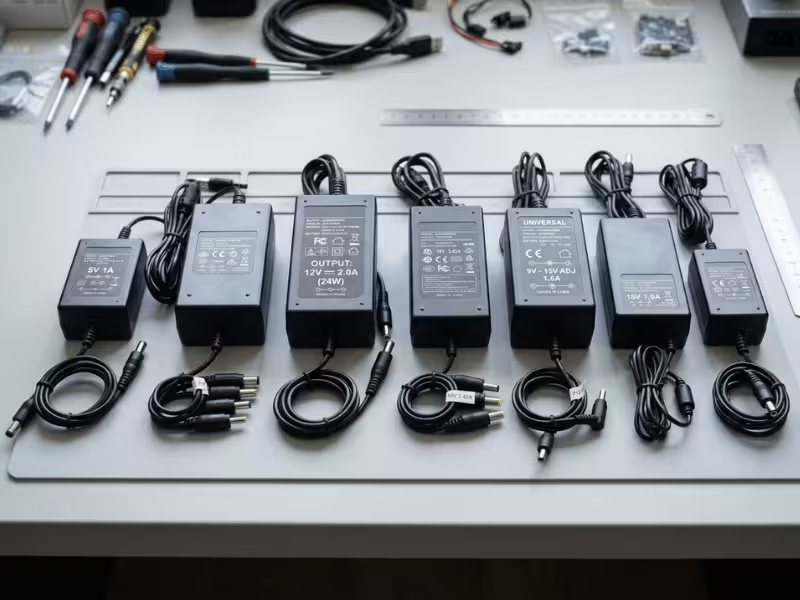
When a client asks me how to pick a replacement adapter, I never start with the efficiency level. I start with what keeps the device alive. Get the order wrong and you risk frying the very gear you’re trying to power.
So think of this as a sequence, not a shopping list. Each step comes before the next for a reason.
The Order That Keeps You Safe
Here’s the whole sequence in one view. Work down the list, and don’t move on until each check passes.
Check first | Why it matters |
|---|---|
Output voltage | The wrong voltage can damage your device on contact |
Current / wattage capacity | Must meet or exceed what the device demands, or it runs hot and fails |
Connector / polarity | Must fit physically, and reversed polarity can destroy the device |
Efficiency level | Cuts wasted power on gear you leave plugged in |
Brand / compliance transparency | Filters out risky, low-quality units and backs your purchase |
The right way round: follow this order and you protect the device first, then trim the waste. Safety leads, savings follow.
When Upgrading an Older Adapter Is Actually Worth It
Not every old adapter needs to go. Some earn their replacement quickly. Others aren’t worth the trouble. I sort them by how hard they work and how much you stand to save.
Put your money where the adapters actually work hard. That’s where a better rating pays you back.
How Much Electricity Can a Better Adapter Save?
Let me set expectations before you spend a cent. A better adapter saves real power — but the size of that saving depends entirely on how the adapter gets used.
One Home Adapter: Don’t Expect Much
Swap the charger on a laptop you use a few hours a day, and the savings are modest. We’re talking a watt or two while it runs, plus a little less waste at rest. You won’t spot the difference on your bill.
That’s not a reason to buy a bad adapter. It’s just an honest picture of a single, part-time unit.
Where the Savings Get Real
The numbers change when the adapter works hard.
A router or network switch runs every hour of the year. Trim its waste, and that small saving repeats 8,760 times. Now it means something.
Scale up again, and the case gets stronger:
Scenario | Savings impact |
|---|---|
One adapter used occasionally | Usually small |
Router or networking gear running all day | More meaningful |
Office with many adapters | Can add up noticeably |
Replacing a very old adapter | Better chance of visible improvement |
An office running dozens of adapters stacks those small gains into a number worth tracking. And a very old, inefficient unit — one that leaks power at idle and runs warm — gives you the best shot at a change you can actually measure.
Read Your Own Setup First
So skip the promise of big money from a single charger. It rarely holds up.
Instead, look at what runs all day and what you own in bulk. That’s where a higher-rated adapter pays you back. Match the upgrade to the workload, and the savings follow the effort. Small use, small return. Constant use, real return.
Common Mistakes Buyers Make
After years of fielding the same questions, I see the same errors trip people up again and again. Dodge these five, and you’ll buy smarter.
Get past these, and the label starts working for you instead of against you.
FAQs
The Takeaway That Saves You Money
Start with what you already own. Flip each adapter over and read the label.
Focus first on the units that never get unplugged — routers, switches, docks. That’s where a better rating pays you back.
Buying a replacement? Match the voltage, current, and connector before anything else. Get the fit right, then aim for a Level 6 mark or higher.
Do that, and you protect your gear and trim waste at the same time. The label does the work — you just have to read it.