The 5V standard is everywhere — smartphones, Raspberry Pi boards, Arduino microcontrollers, LED strips, earbuds. That ubiquity creates a false sense of interchangeability. A charger labeled “5V” may still be incompatible with your device, and the consequences range from slow charging to permanent hardware damage.
Choosing correctly comes down to five checks: voltage, current, connector and polarity, cable, and certification. This guide covers each one with enough specificity to be useful — not just for phone charging, but for the scenarios where a wrong choice actually costs something.
For a foundational explanation of what a DC 5V charger is and how it works, see the companion article What Is a DC 5V Charger? Uses, Specs, and How to Choose One.
Step 1: Start With Your Device’s Specs
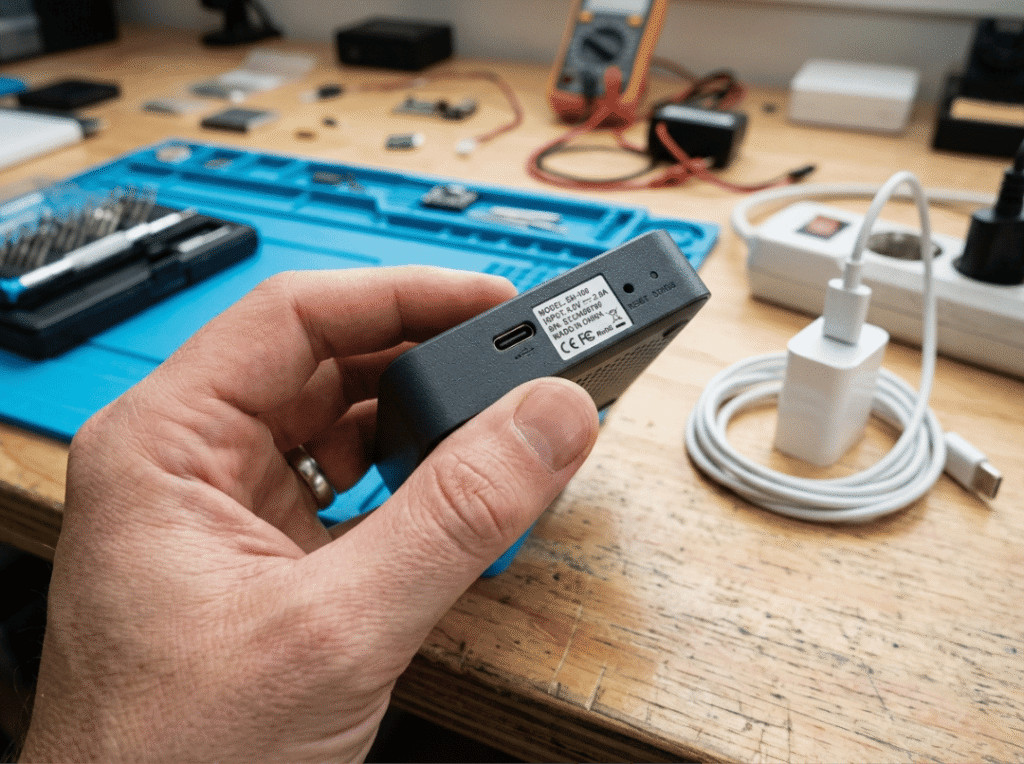
Before you look at any charger, read your device’s input label. It tells you everything the charger must deliver. Find it on the base of the device, near the charging port, or in the product manual under “Power Input” or “Technical Specifications.”
Four values matter:
- Voltage — 5V is a fixed requirement, not an approximation. A charger outputting 9V into a 5V device can destroy the power management circuitry, even if the barrel connector fits perfectly. Physical fit does not imply electrical compatibility.
- Current (A or mA) — The device draws only what it needs. A higher-rated charger is safe; a lower-rated one causes slow charging, instability under load, and — in cheap chargers — overheating.
- Connector type — USB-A, USB-C, Micro-USB, or DC barrel. Confirm the physical interface before purchasing anything else.
- Barrel polarity — DC barrel connectors are not polarity-keyed. Most devices use center-positive (inner pin = +5V), but some do not. Connecting a center-negative device to a center-positive adapter can cause immediate damage. The polarity diagram on the device label — a small circle marked with + and − — tells you which is which.
Step 2: Read the Charger’s Output Label Correctly
Charger labels show both input and output values. Many buying mistakes happen because people read the wrong line.
What to look for:
- Output voltage — The label should clearly state “Output: 5V DC.” Ignore the input voltage (typically 100–240V AC) — that describes the wall power the charger accepts, not what it delivers to your device.
- Output current — This is the maximum the charger can supply, not a constant it pushes. A 5V/2A charger powering a 5V/500mA device will supply 500mA; the rest of the capacity goes unused.
- Wattage — Watts = Volts × Amps. A 5V/3A charger delivers 15W. That matters: the Raspberry Pi 4 requires exactly 15W, and the Pi 5 requires 25W (5V/5A). Connecting a 5V/2A charger to a Pi 4 will work at idle but cause undervoltage warnings and CPU throttling under load.
- Fast charging — USB Power Delivery (PD) and Qualcomm Quick Charge increase output voltage through active negotiation with the device. A fixed-output DC 5V charger doesn’t participate in that negotiation. It stays at 5V regardless of what the connected device supports, so fast-charge protocols don’t apply.
For a deeper breakdown of output compatibility across charger and cable combinations, see DC 5V Compatibility: Which Chargers and Cables Work?
Step 3: Don’t Underestimate the Cable
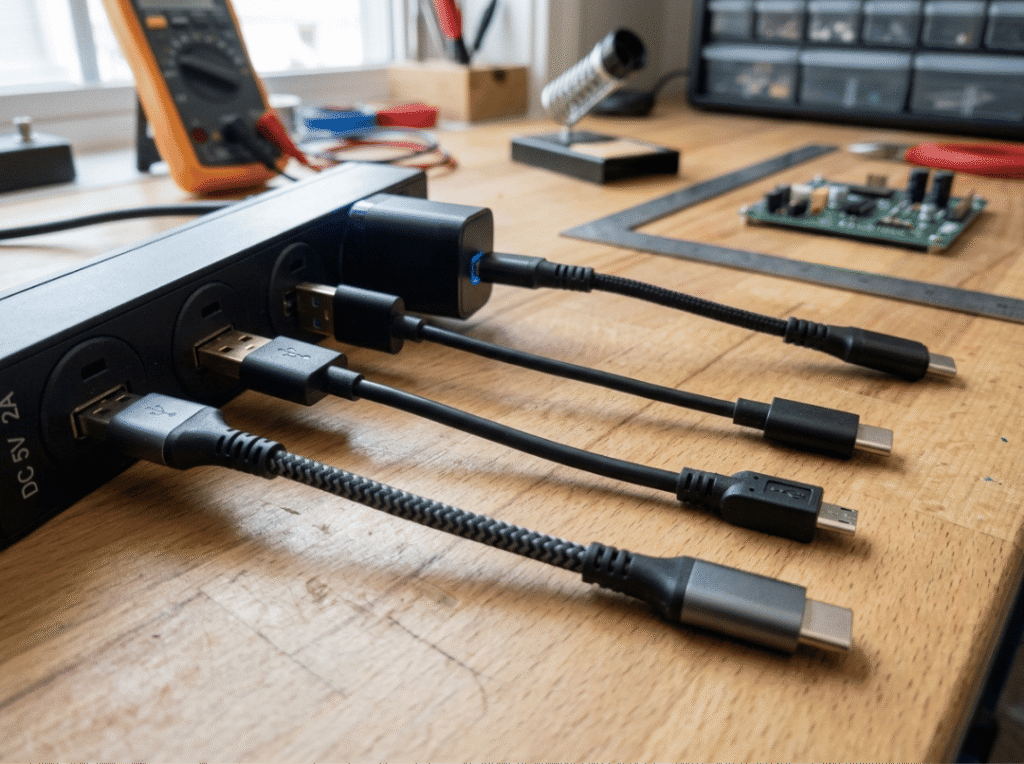
A 5V/3A charger connected through a cable rated at 1A delivers 1A — not 3A. The cable is the bottleneck, and it’s one of the most frequently misdiagnosed failure points in DC 5V setups.
Three things to verify:
- Conductor gauge — Thinner conductors (higher AWG numbers) have higher resistance, which causes a voltage drop along the cable. The device receives less than 5V even when the charger output is correct. This is the most common cause of Raspberry Pi undervoltage warnings when a properly rated charger is already in use — the cable, not the charger, is the weak point.
- Current rating — A cable rated for 1A caps the entire circuit at 1A. Always match the cable’s rated current to the charger’s output, not just the connector type.
- Connector compatibility — USB-A to USB-C cables generally handle standard 5V delivery without issue. USB-C to USB-C cables may require power negotiation depending on the specific charger and device combination.
For single-board computers and fixed installations, use short cables with 24AWG or 26AWG power conductors. Cable quality has proportionally more impact at higher current draws — it matters less for earbuds, significantly more for a Pi running peripherals.
Step 4: Verify Safety Certifications
Certification is not a checkbox formality. An uncertified charger may output a nominal 5V under no load and drift significantly once a real device starts drawing current. Voltage fluctuations under load can corrupt data on connected storage, degrade components over time, or cause abrupt failure.
Recognized marks by region:
- UL or ETL — North America
- CE — Europe
- CCC — China
Built-in protections that matter:
- Overload protection — Shuts down or limits output if current demand exceeds the rated maximum
- Short-circuit protection — Cuts power automatically on a fault condition
- Thermal cutoff — Prevents the charger from operating beyond its safe temperature range
Certified chargers are tested against defined output stability and safety thresholds. Uncertified units skip that testing. The price gap between certified and uncertified is typically a few dollars. The cost of a damaged Raspberry Pi, a failed router, or a charger that overheats overnight is not.
For a comparison of how charger design differs from basic 5V power supplies, see Difference Between 5V Power Supply and 5V Charger.
Step 5: Match the Form Factor to the Use Case
The right specs on the wrong hardware create their own problems.
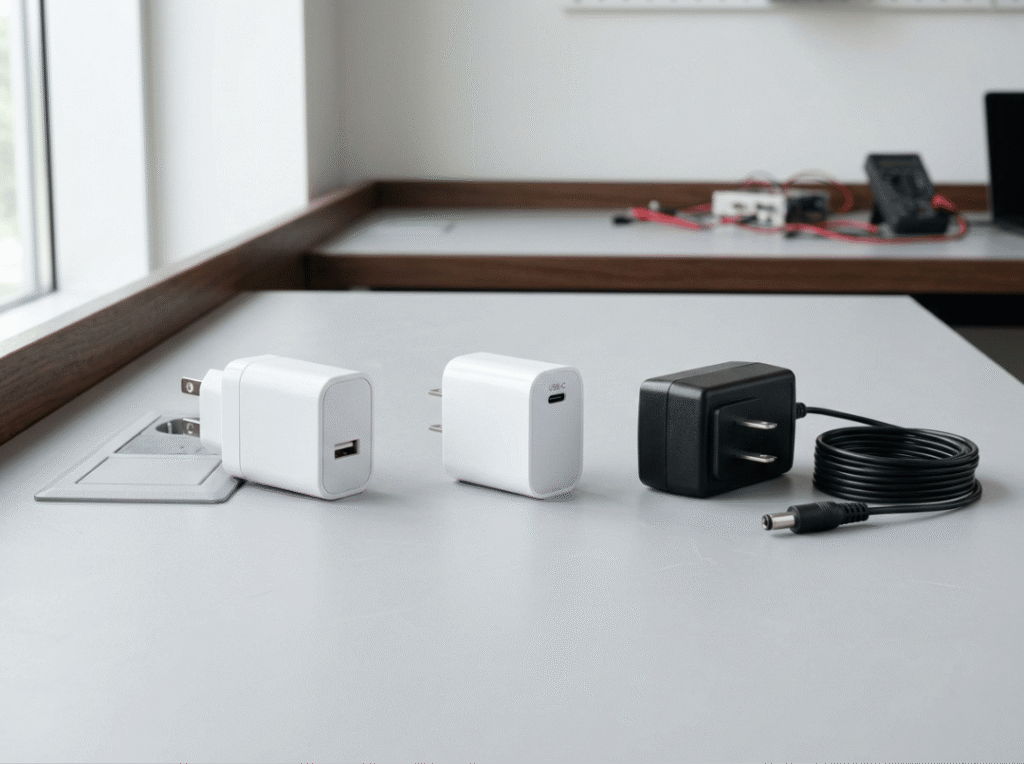
- Single-port wall charger — The right choice for phones, earbuds, and wearables. Straightforward and adequate for anything drawing under 2A. Don’t overthink this category.
- Multi-port charger — Useful, but the shared current rating matters. A unit rated 5V/4A total across four ports delivers only 1A per port when all are occupied. That is not enough for a Raspberry Pi or a tablet under load. Look for per-port ratings, not just total output.
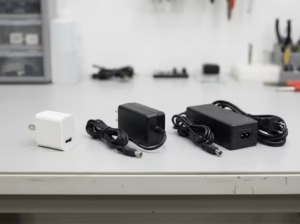
- DC barrel plug adapters — Standard in Arduino, microcontroller, and maker setups. Two barrel sizes — 5.5mm×2.1mm and 5.5mm×2.5mm — look nearly identical but are not interchangeable. A slightly oversized barrel makes poor contact; a slightly undersized one won’t seat. Polarity must also match, and a barrel plug that fits physically but is wired backward will damage the device.
- Power banks — Useful for portable 5V applications, but check the sustained output rating rather than the peak figure. A power bank rated “10W” may only hold 5V/1A under continuous load. That’s not enough for a Pi 4 doing anything meaningful. Verify the spec sheet, not the marketing claim.
Real-World Scenarios
These examples show where each step makes a practical difference.
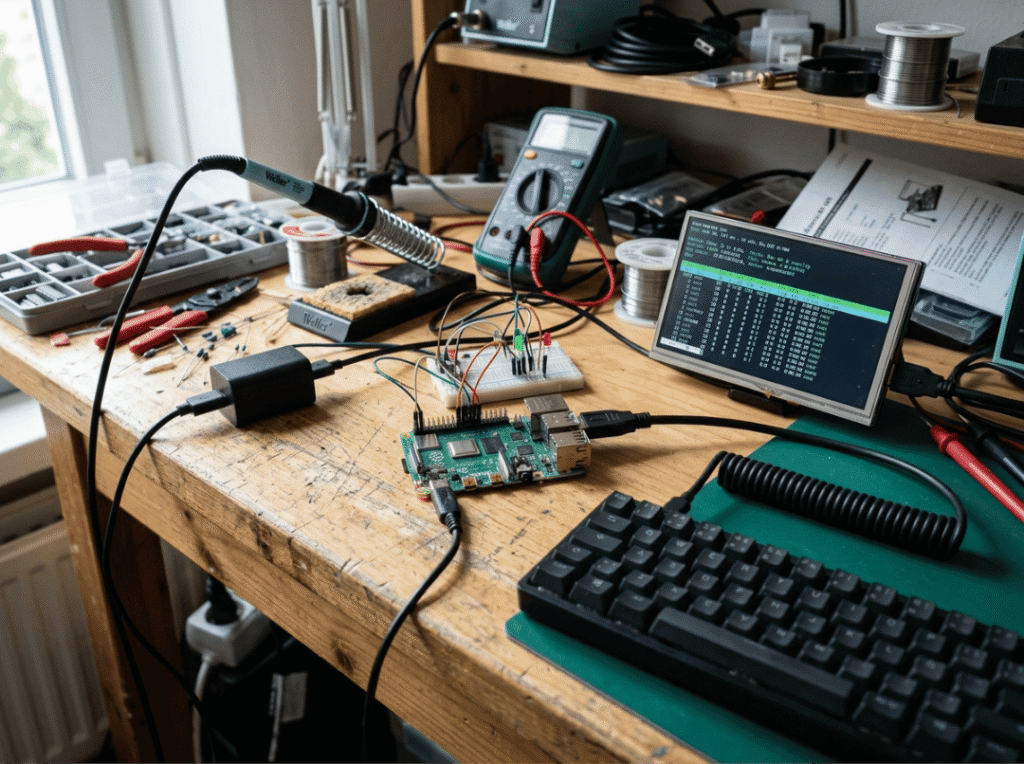
Raspberry Pi 4 — Requires 5V/3A (15W) via USB-C. The Pi 5 requires 5V/5A (25W). An undersized charger will pass light idle loads and fail under real workloads, triggering the undervoltage warning and CPU throttling. Cable quality matters here as much as charger rating — use a short, thick cable rated for at least 3A.
Smartphone — Most charge at 5V/2A as the baseline. A 5V/1A charger works but charges slowly, especially with the screen on. A 5V/3A charger delivers at whatever rate the phone’s internal circuitry allows, with no risk of overpowering it.
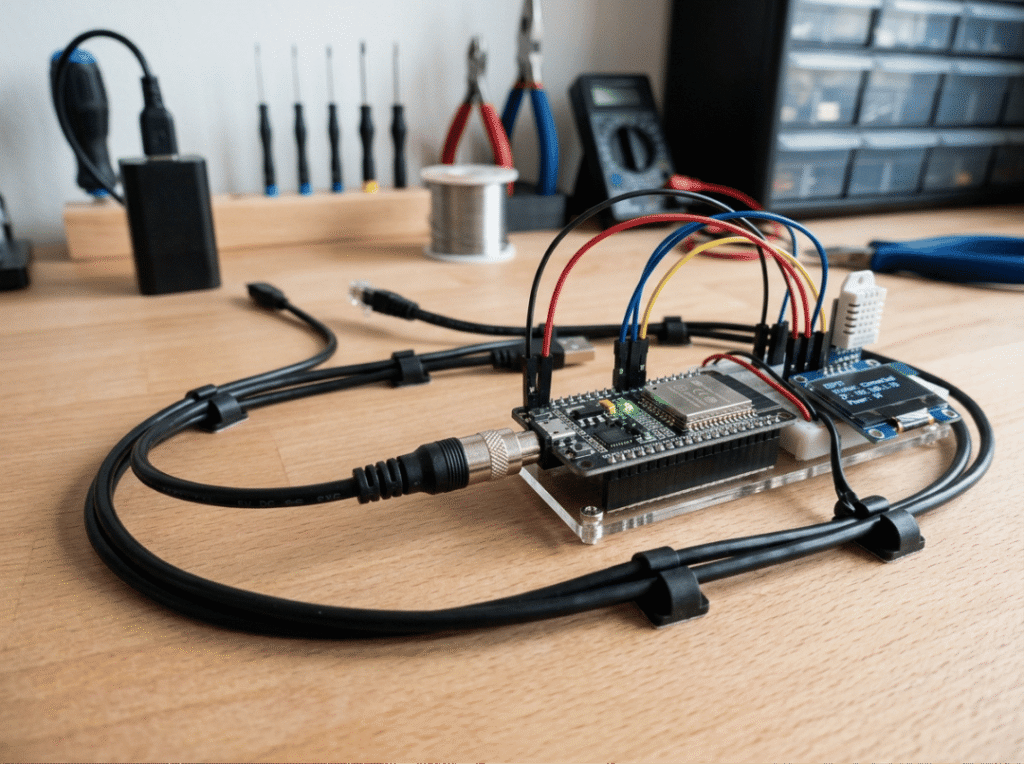
Arduino / microcontroller project — Powered via DC barrel. Before buying anything, confirm the barrel outer and inner diameter, the rated current draw of the board plus all attached peripherals, and the polarity. A matching voltage with reversed polarity is functionally the same as a wrong-voltage adapter.
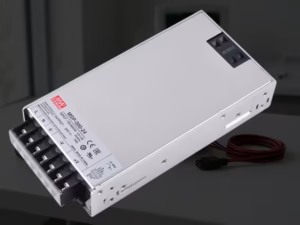
LED strips — RGB strips draw significantly more at full brightness than at partial brightness. A 5-meter strip at 12W/m requires 60W — that’s a 5V/12A dedicated power supply, not a phone charger. Calculate the full draw before sizing the adapter, and add at least 20% headroom.
Earbuds and wearables — Current draw is typically under 500mA. Any certified 5V charger with the correct connector is more than sufficient. No need to overspecify here.
Common Mistakes
Using a 9V adapter with a matching barrel plug. The connector fitting is not confirmation that the voltage is compatible. A 9V supply into a 5V device will likely damage or destroy the power management circuitry.
Undersizing the current rating. Slow charging is the mild outcome. Under sustained load, an undersized charger sags in output voltage, causes the device to behave erratically, and stresses the charger’s internal components.
Skipping barrel polarity verification. Center-positive and center-negative are not interchangeable, and there is no visible difference in the connector. A reversed polarity connection can destroy a device instantly, or cause degradation that fails later. The polarity diagram on the device label takes ten seconds to check.
Replacing the charger when the cable is the problem. If a device shows undervoltage behavior despite a correctly rated charger, test a different, known-good cable rated for the required current before assuming the charger is at fault.
Buying uncertified chargers. The upfront savings are real. The risk — voltage instability under load, absent protection circuitry, and overheating — is also real. For anything running continuously or powering hardware where data integrity matters, a certified unit is not optional.
Frequently Asked Questions
Can I use a 5V/2A charger for a device that needs 5V/1A?
Yes. The device draws only what its internal circuitry allows. A 5V/2A charger connected to a 5V/1A device will supply 1A. The charger runs well below its rated maximum, which reduces thermal stress, not increases it.
What happens if I use the wrong voltage charger?
A higher fixed voltage than the device is rated for — 9V into a 5V device, for example — can cause immediate or cumulative hardware damage. Some devices include overvoltage protection; many do not. Voltage must match exactly.
Does a longer USB cable affect charging?
Yes, measurably in high-current applications. Longer cables have higher resistance, which reduces the voltage that actually reaches the device. For Raspberry Pi boards and similar single-board computers, keep cables short and use thicker conductors. For earbuds and phones, the effect is minor at typical cable lengths.
How do I find my device’s power requirements?
Check the input label on the device itself — usually printed near the charging port, on the base, or inside the battery compartment. Look for values formatted as “Input: 5V DC 2A” or “DC IN: 5V/2A.” If the label is missing, the product manual or manufacturer’s website will list the same information under technical specifications.
Is a USB wall charger the same as a DC 5V power supply?
They share the same output voltage, but they are designed differently. A USB charger is built for battery charging — it includes circuitry that manages the charging profile for lithium-based cells. A DC 5V power supply is built to deliver stable, regulated voltage to circuits and embedded systems continuously. For devices like Arduino boards and sensors that require a clean, steady voltage rather than a charging profile, a regulated 5V power supply is more appropriate than a USB charger.
What certifications should I look for?
UL or ETL for North America, CE for Europe, CCC for China. These marks indicate that the charger has been tested for output stability and electrical safety under rated conditions. They also confirm the presence of protection features — short-circuit cutoff, overload protection, and thermal shutdown — that are commonly absent in uncertified units.
Selection Checklist
Before purchasing, confirm:
- ✅ Output voltage is exactly 5V DC
- ✅ Current rating meets or exceeds the device’s requirement
- ✅ Connector type matches the device’s input port
- ✅ Barrel polarity confirmed (center-positive or center-negative)
- ✅ Cable is rated for the required current and short enough to minimize voltage drop
- ✅ Charger carries a recognized safety certification (UL, ETL, CE, or CCC)
- ✅ Form factor matches the actual use case
The logic is the same regardless of what you’re powering. Voltage must be exact. Current must meet demand. Connector and polarity must match. Cable quality matters as much as charger quality. And certification is the baseline for anything running continuously or where hardware failure carries real cost.