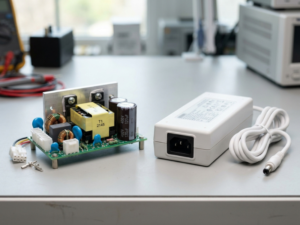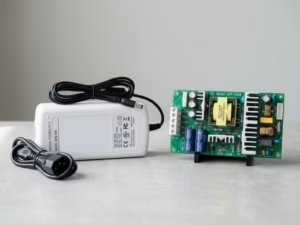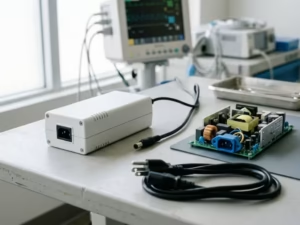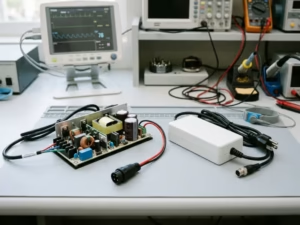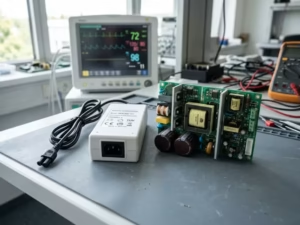
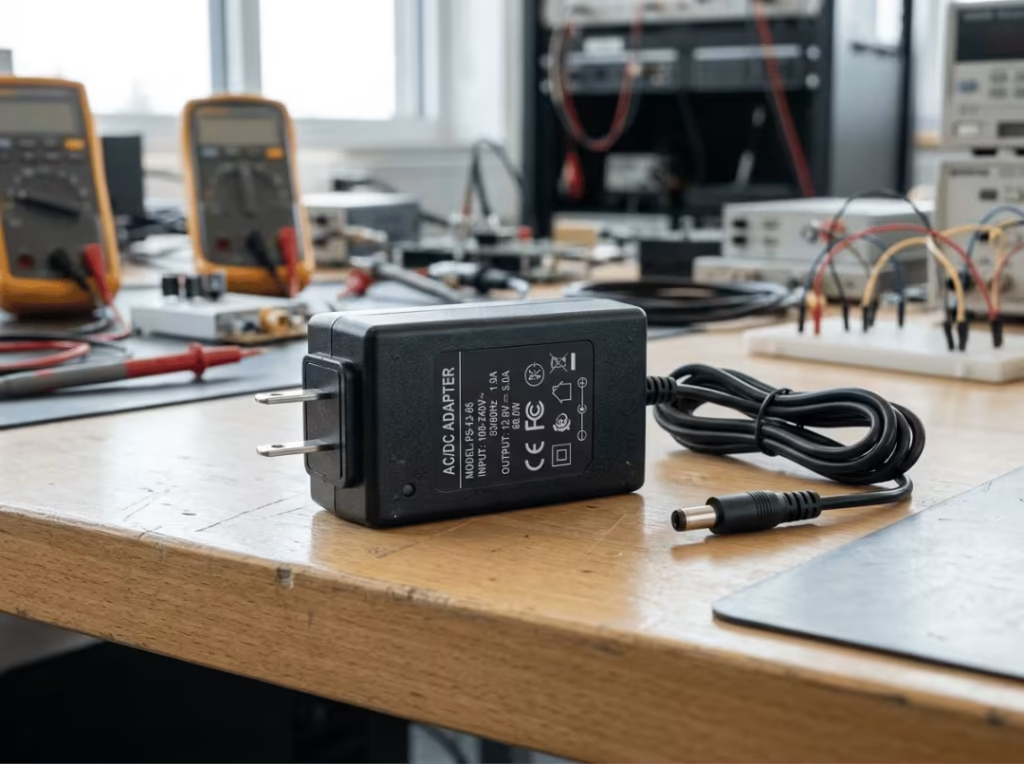
Plug a laptop, router, or patient monitor into the wall, and it runs on a form of power the outlet never delivers. The socket supplies alternating current at 110V to 240V. The device inside wants steady low-voltage direct current. The adapter sitting between them does the conversion, and how well it does that job affects everything from device reliability to whether your product clears certification.
This article walks through what actually happens inside an AC to DC adapter, stage by stage, and how to pick one that holds up in real operating conditions.
AC vs DC: Why Devices Need the Conversion
Alternating current reverses direction many times per second — 50 or 60 times, depending on your region. It travels well over long distances and steps up or down easily through a transformer, which is why the grid runs on it.
Direct current flows one way and holds a fixed level. Every microchip, sensor, and controller inside a device depends on it. Feed a 5V processor the raw reversing waveform from your wall and it won’t run — it’ll fail or burn out.
That mismatch is the whole reason adapters exist.
AC (Alternating Current) | DC (Direct Current) | |
|---|---|---|
Direction | Reverses periodically | One direction only |
Source | Wall outlet, power grid | Batteries, electronic circuits |
Voltage change | Simple, via transformer | Needs a converter |
Typical values | 100V–240V | 3.3V, 5V, 12V, 24V |
How Does an AC to DC Adapter Work?
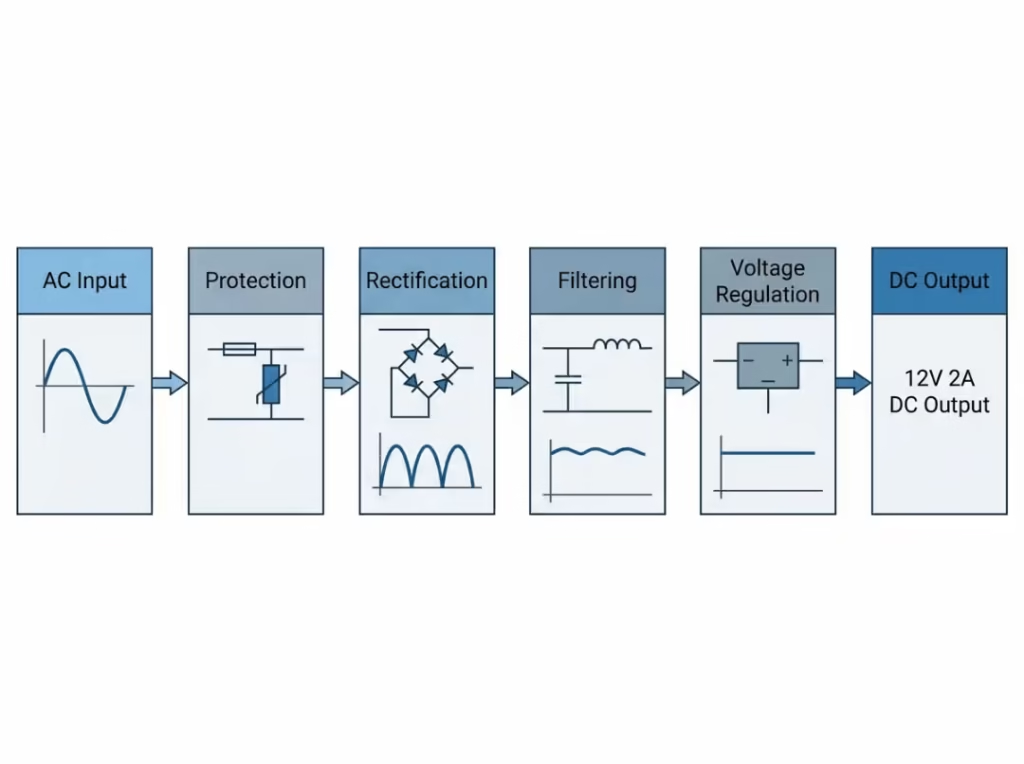
Conversion isn’t a single switch. Power moves through a sequence of stages, and each one refines the waveform a little more before it reaches the load. Skip or under-build any stage and the output suffers — sometimes visibly, sometimes only under load or over time.
Step 1: AC Input and Protection
Mains AC enters through the plug. Before anything touches the conversion circuitry, it passes through a fuse, surge suppression, and an EMI filter.
This stage does two things. It shields the internal components from voltage spikes and inrush current, and it stops the adapter’s own switching noise from feeding back into the mains where it could interfere with other equipment. A wide-input design (typically 100–240V) also lives here, letting one unit work across regions without modification.
Strip this stage down to save cost and the adapter becomes fragile. A single surge can kill it, and the noise it leaks back onto the line is exactly what trips EMC testing during product validation.
Step 2: Rectification
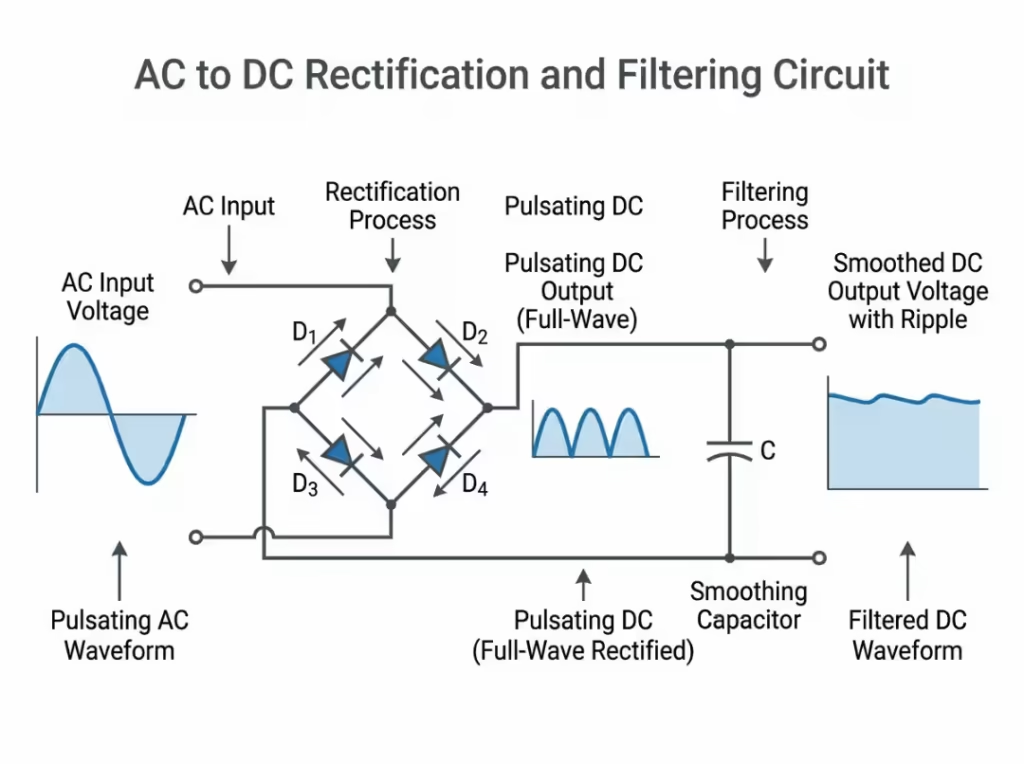
Rectification is where AC becomes DC. A bridge of four diodes flips the negative half of the waveform up to the positive side, so current stops reversing and starts flowing one way.
You’ll still see half-wave rectifiers in very simple circuits — a single diode that just discards the negative half — but they waste half the input and produce rougher output. Full-wave bridges dominate modern adapters because they use the whole waveform and give the later stages far less work to do.
The catch: the result isn’t smooth DC yet. It’s a series of pulses — DC in direction, but rising and falling in a steady rhythm. That’s the next stage’s problem to solve.
Step 3: Filtering and Ripple Reduction
Those pulses get smoothed by capacitors. A capacitor stores charge on the peaks and releases it in the valleys, flattening the waveform toward a steady line.
What’s left over is called ripple — the small residual fluctuation riding on the DC. Ripple never disappears entirely; the goal is to hold it low enough for the load. Sizing the capacitor against the expected current is the balancing act. Too small a capacitor relative to the load, and ripple climbs.
Ripple is not a cosmetic concern. In a blood glucose meter or a patient monitor, excess ripple shows up as noise in the sensor reading. In audio gear, you hear it as hum. Filtering is where clean power starts to matter for the actual application.
Step 4: Voltage Regulation
Filtered DC is steadier, but it still isn’t locked to the exact voltage a device needs, and it drifts as the load changes. Regulation fixes both.
In a switching adapter, a high-frequency stage and a transformer bring the voltage to target — say 5V, 12V, or 24V — and a control loop holds it there. When the device suddenly draws more current, the regulator responds fast enough that the output barely moves.
Regulation quality is what separates a stable supply from a marginal one. Weak regulation means the voltage sags under load and overshoots when the load drops. Sensitive electronics read that as instability: resets, dropped connections, or components running outside their rated window.
Step 5: Stable DC Output
The final stage delivers clean, regulated DC through the output connector to the device, at the correct polarity.
By this point the power has been protected, rectified, filtered, and regulated. The device receives exactly what it was designed to run on. Everything upstream exists to make this last handoff correct and repeatable — every unit, every batch.
The Components Behind Each Stage
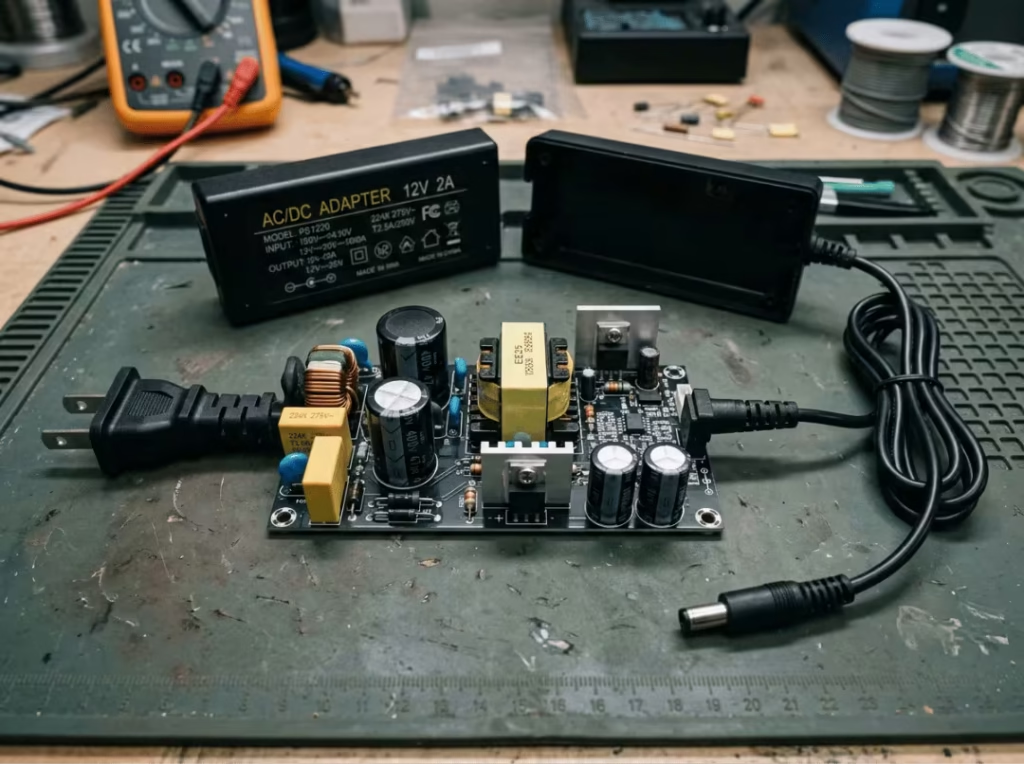
Rather than treat the internals as a parts list, it’s clearer to map each part to the job it does above:
- The rectifier (diode bridge) performs Step 2 — turning alternating current into one-directional pulses. Its rating sets how much input the adapter can handle before it stresses.
- The transformer sits in the regulation stage. It scales voltage to the target level and, just as important, provides isolation — a physical barrier between mains and the device. That isolation is what keeps dangerous voltage away from anything a person might touch.
- The capacitors do the filtering in Step 3. Their size relative to the load directly sets how much ripple survives.
- The regulator and its control loop hold the output steady in Step 4, correcting for load swings before they reach the device.
Read this way, the components aren’t abstract — each one is the reason a specific stage works, and its weakness is the reason that stage fails.
Switching vs Linear Adapters
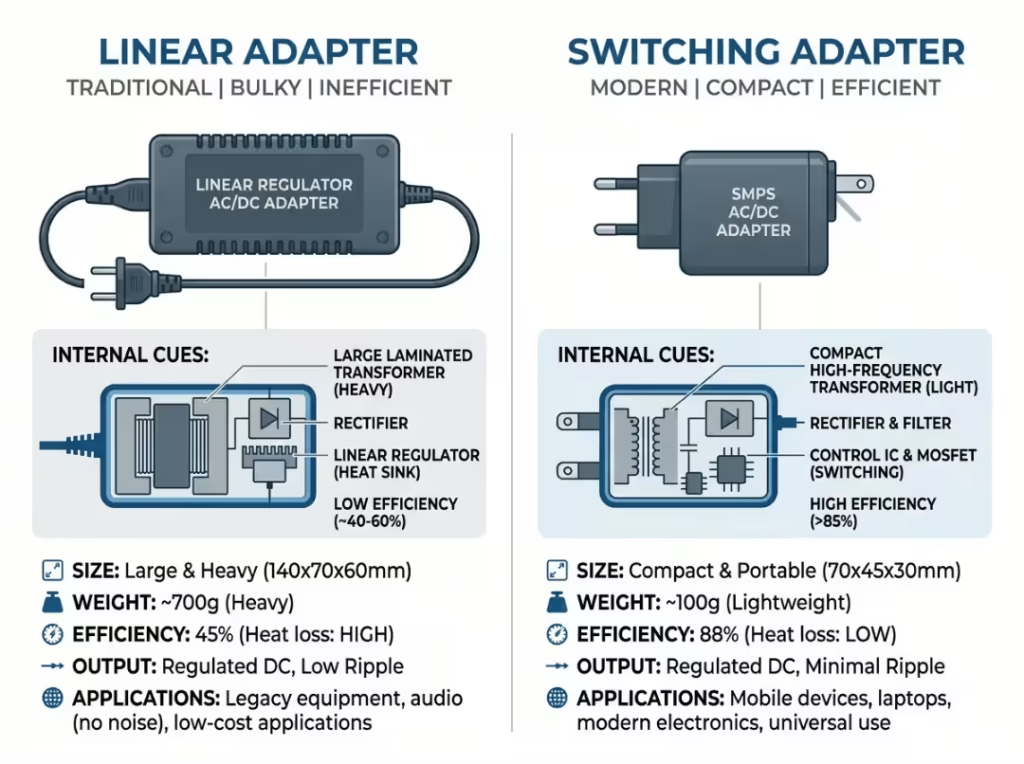
Two design approaches dominate, and the choice comes down to what the application values most.
Linear Adapter | Switching Adapter | |
|---|---|---|
Efficiency | Lower, runs warmer | High, runs cooler |
Size and weight | Bulky, heavy | Compact, light |
Output noise | Very low | Low, but switching noise present |
Input range | Narrow | Wide (100–240V typical) |
Best for | Audio, precision measurement | Most modern electronics |
For nearly all current designs, switching wins on size, weight, and efficiency, which is why it’s the default. Linear still earns its place where ultra-low noise outweighs everything else — certain audio and precision instrumentation, for instance.
Common Applications
- Consumer electronics — laptops, monitors, game consoles
- Networking gear — routers, switches, IP cameras
- Industrial controls — automation, sensors, PLCs
- Medical devices — monitors, infusion pumps, diagnostic equipment
- LED lighting and IoT hardware
How to Choose the Right AC to DC Adapter
Matching a plug is the easy part. The specification decisions below are what determine whether a device runs reliably for years — and whether it passes certification the first time.
Voltage. Match the adapter’s output to the device’s rated voltage exactly. Too high stresses or destroys components; too low leaves the device unable to start or running unstably.
Current and power headroom. The adapter must supply at least what the device draws. A higher current rating is fine — the device only pulls what it needs — but under-rating causes overheating and early failure. Leave headroom above peak demand rather than sizing to the bare minimum.
Continuous vs peak load. Some devices draw a steady current; others spike hard at startup or during bursts — motors, pumps, and RF transmitters are typical. Size the adapter for the peak, not the average, or it will trip protection or overheat exactly when the device needs the most power. This distinction matters as much as the nominal rating. For a closer look at how current rating plays out in practice, this comparison of a 5V 1A vs 5V 2A adapter is a useful reference.
Connector and polarity. The plug has to fit, and the polarity has to be right. Reversed polarity can destroy a device instantly.
Isolation. For anything a person contacts, isolation between mains and output is non-negotiable. The transformer provides that barrier. In medical and many industrial contexts, isolation isn’t just good practice — it’s a regulated requirement.
Leakage current — especially for medical devices. Any device with patient contact must hold leakage current tightly controlled, typically ≤100µA with 2× MOPP under IEC 60601-1. This is one of the strictest selection criteria in the field, and it rules out most general-purpose adapters outright. For patient-contact and diagnostic equipment, purpose-built medical power supplies are the practical starting point.

Efficiency and thermal behavior. For equipment that runs continuously, efficiency isn’t only an energy question — wasted power becomes heat, and heat shortens component life. A more efficient adapter runs cooler and reduces thermal stress on everything around it.
Certifications. Confirm the marks your market and application demand — UL, CE, IEC 60601 for medical, and others by region. Sourcing an adapter with verifiable, active certificates prevents certification failure downstream and protects you during audits.
When a standard part can’t meet the voltage, form factor, or compliance profile a product requires, a custom power adapter built to spec is often the cleaner path than forcing an off-the-shelf unit to fit.
Common Mistakes When Selecting or Using an Adapter
- Matching voltage but ignoring peak current draw
- Treating leakage current as an afterthought on patient-contact devices
- Assuming any adapter with the right plug is interchangeable
- Choosing on unit price alone, then paying for it in rework and failed EMC runs
- Overlooking the operating environment — temperature and airflow both shift real-world performance
FAQ
Is an adapter AC or DC?
Most adapters take AC in from the wall and put DC out to the device — so the unit handles both. A small number output AC, but the vast majority convert AC to DC. Check the label to be sure.
Do all adapters convert AC to DC?
No. Some are AC-to-AC, changing only the voltage level while keeping the current alternating. Always confirm the output type before connecting anything.
Can I use a higher-amp adapter?
Yes, as long as the voltage matches. The device draws only the current it needs, so extra capacity sits unused. A voltage mismatch, however, is never safe.
What happens if I use the wrong voltage?
Too high overheats or permanently damages the device. Too low may keep it from starting or cause erratic behavior. Match the adapter’s voltage to the device rating without exception.
What’s the difference between an adapter and a power supply?
An adapter is one kind of power supply — usually a compact external unit that plugs into the wall. “Power supply” is the broader term, covering internal, open-frame, enclosed, and DIN-rail types. The core job is the same: deliver the right power to a device.
Why do medical devices need more tightly regulated power?
Patient-contact equipment operates under strict safety limits — leakage current typically ≤100µA with 2× MOPP under IEC 60601-1 — and demands very low ripple so it doesn’t corrupt sensor readings. A ventilator or infusion pump has to hold stable output as its load shifts, which is why general-purpose adapters rarely qualify and medical-grade designs are specified instead.
Choosing a Power Partner, Not Just a Part
Understanding how conversion works is the groundwork. Specifying the right adapter for a real product is where it gets demanding — voltage, current headroom, isolation, leakage limits, efficiency, and certification all have to line up at once, and they tighten considerably for medical and industrial use.
That’s the point where the manufacturer behind the part matters as much as the part itself. If you’re specifying power for a new device or consolidating a supply chain, Quankang builds medical-grade and industrial AC-DC power supplies with full certification traceability and ODM support — from standard series to fully custom designs. Send your voltage, current, and compliance targets, and the engineering team can map them to a solution that clears validation the first time.